8
2.3 Powering On MT800
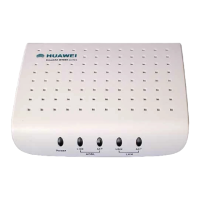
1) Use the provided power adapter and plug it into a suitable
power source nearby.
2) You should see the Power LED indicator light up, which
indicates the device is powered on.
3) After a few seconds, look at the LAN LINK indicator and
make sure it with steady light, which indicates a valid
connection between the router and your computer.





 To Next Page