Copyright © Huawei Technologies Co., Ltd.
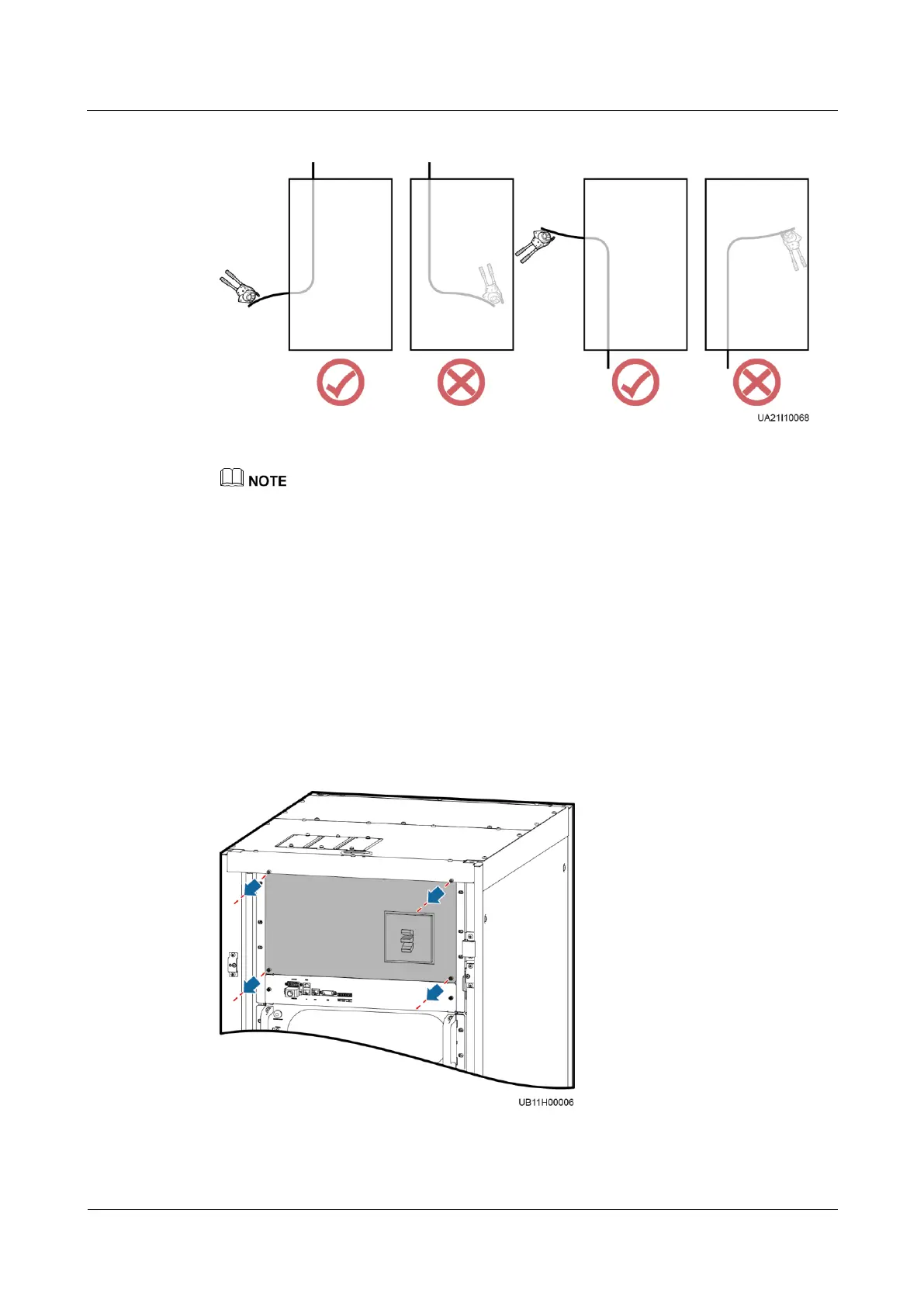
Figure 3-14 Preparing a cable terminal outside the cabinet
Choose an appropriate cabling route based on the actual situation. The figure is for reference only.
Step 4 Connect the cable with a crimped terminal to the corresponding copper bar.
Step 5 Clean foreign matter inside the cabinet.
----End
3.2.3.2 Installing a PE Cable
Procedure
Step 1 Remove the cover from the PDU.
Figure 3-15 Removing the cover from the PDU
Step 2 Remove the top cover from the cabinet based on cable routes and dimensions.











 To Next Page