Copyright © Huawei Technologies Co., Ltd.
6 Routine Maintenance
Before installing batteries, read through the battery user manuals and pay attention to
safety precautions and connection methods provided by battery manufacture.
Before battery maintenance, get the tools, such as handles, insulated.
Keep the battery switch off when installing or maintaining the batteries.
Before installing and maintaining the battery modules, remove the battery management
module, and reinstall the battery management module after the installation or
maintenance is complete.
When moving batteries, handle batteries gently, and pay attention to personal safety.
Never use any organic solvent to clean batteries.
Never smoke or have an open flame around batteries.
After battery discharge, charge the battery in time to maintain a good service life.
Only professionals are allowed to perform the maintenance tasks.
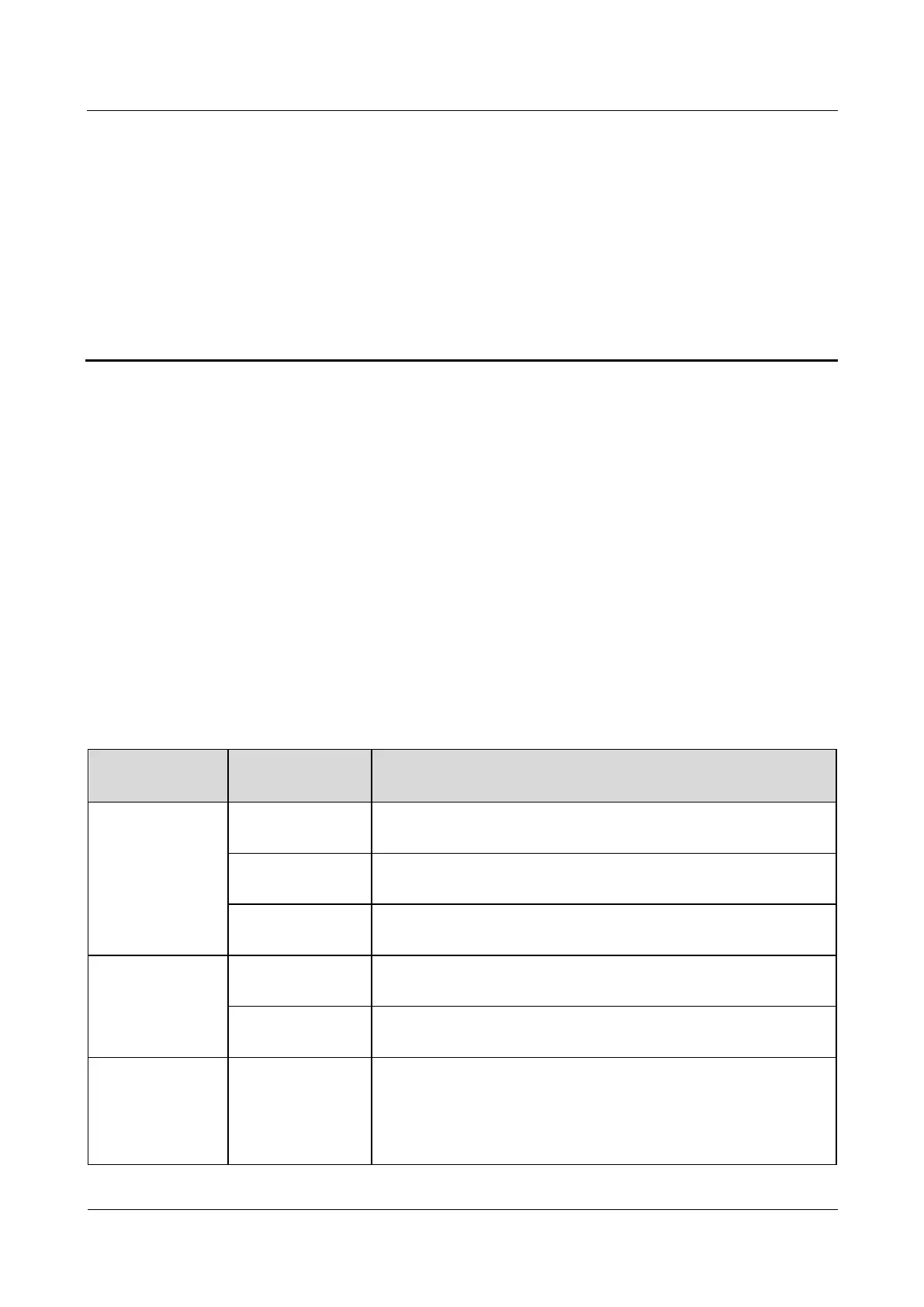
Table 6-1 Routine maintenance
Keep the SmartLi far away from heat sources and avoid direct
exposure to sunlight.
If a battery module experiences damage, leakage, or deformity,
disconnect, take pictures, and then replace the battery module.
Checking the
pressure gauge
If the pointer is in the red zone and the reading is less than 1.6 MPa,
contact Huawei technical support.
Clean the battery module exterior using cotton cloth. Exercise
caution when cleaning a battery module because its voltage is high.
Check the bolt at every terminal and tighten any loose bolt. If cable
temperature exceeds 40°C (feels hot), locate the cause.
Measure and record the busbar voltage, and the positive and
negative voltages of the SmartLi when charging is about to
complete. Ensure that the voltages are the same. If the voltages
are different, check for cable faults and rectify them.
In the first year, collect real-time data when discharging is about











 To Next Page