Copyright © Huawei Technologies Co., Ltd.
flash drive status, and buzzer status.
Displays active alarms in a scrolling list and the number of
active alarms based on severity. Tap the alarm icon area to
open the active alarm page.
Displays system information.
Table 4-2 Functions of common buttons
Returns to the main screen.
Returns to the upper-level menu.
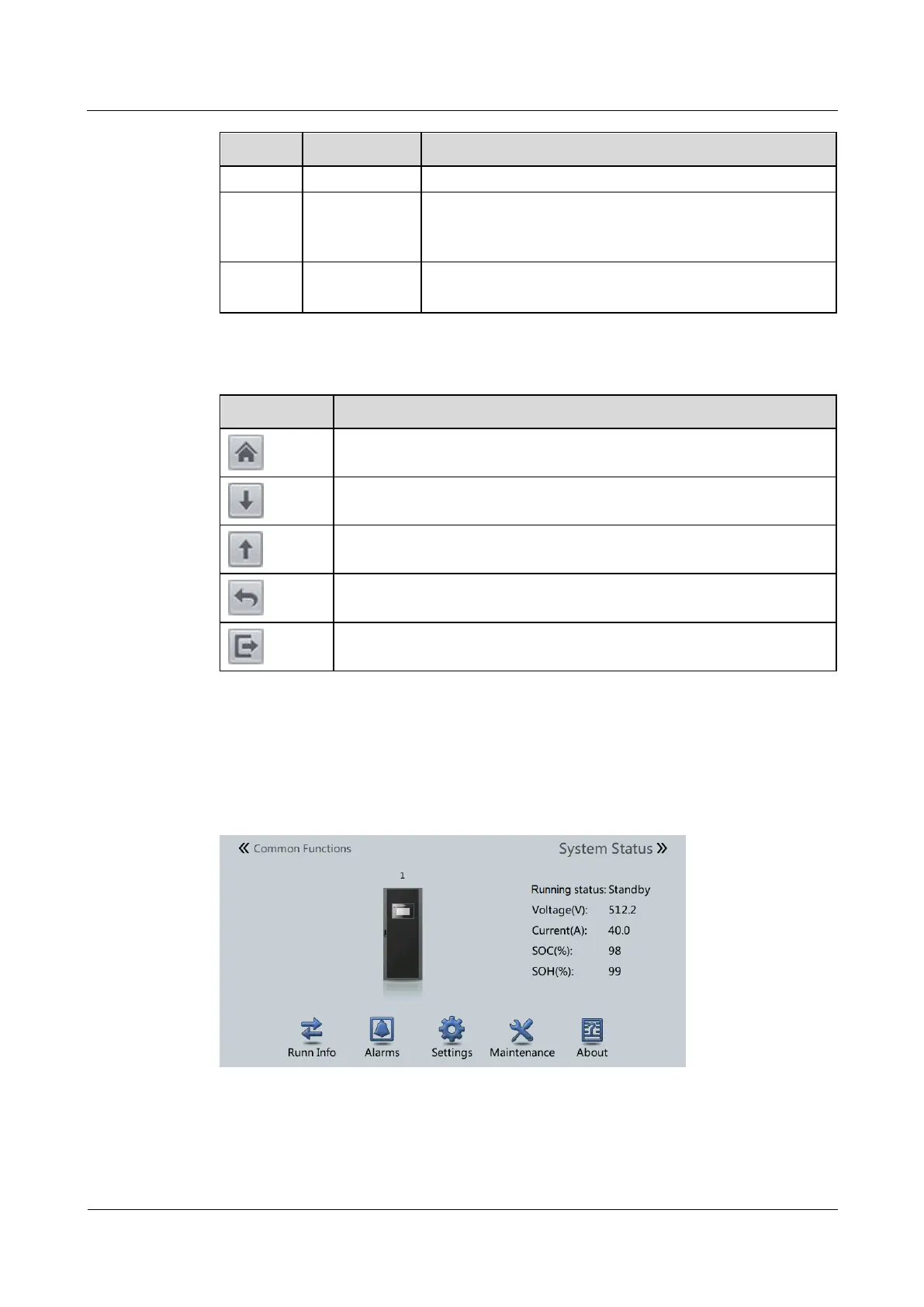
4.1.2 System Status
On the main menu screen, the System Status screen is displayed.
Figure 4-2 System status











 To Next Page