Copyright © Huawei Technologies Co., Ltd.
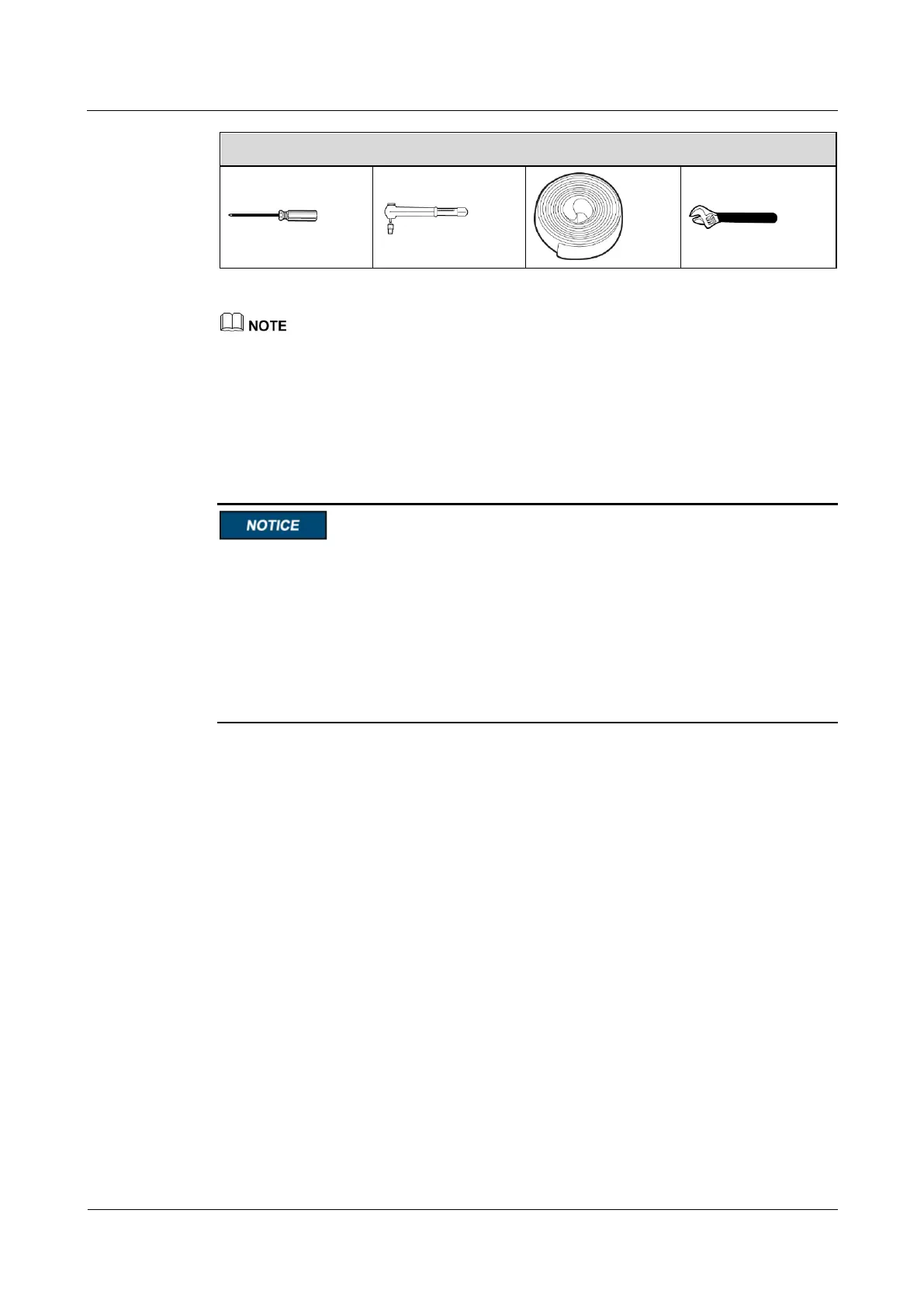
Table 3-1 lists only the common tools for installation and cable connection. For more dedicated tools
required, see the corresponding component manuals. Prepare tools based on site requirements.
3.1.3 Unpacking and Checking
Context
To prevent the SmartLi from falling over, secure it to a pallet truck using ropes before
moving it.
To prevent shocks or falls, move the SmartLi gently. After placing the SmartLi in the
installation position, unpack it and take care to prevent scratches. Keep the SmartLi steady
during unpacking.
To prevent dust from settling on the SmartLi, leave the original plastic coat on until
installation is required.
Battery modules are transported separately.
Procedure
Step 1 Use a pallet truck to transport the SmartLi to the installation position.
Step 2 Check the SmartLi packing.
Step 3 Hold the sliding plate steady. Cut and remove the binding tapes. Put down the sliding plate
gently.
Step 4 Remove packing materials.











 To Next Page