Copyright © Huawei Technologies Co., Ltd.
information), and system maintenance.
Only browses the system running information,
exports system information (historical alarms,
logs, e-labels, and fault information),
starts/shuts down the inverter, rectifies faults,
and controls the buzzer. Other control and
maintenance functions that may affect system
operation are invisible and parameters cannot
be set.
Only browses the system running information.
If an incorrect password is entered three consecutive times, the account will be logged out for 5
minutes.
After a user logs in to the WebUI, if another user logs in with the same user name, the current
account will be logged out.
It is advised to change the password after the first login using User Management on the
Maintenance page to prevent unauthorized access.
----End
4.2.2 Home
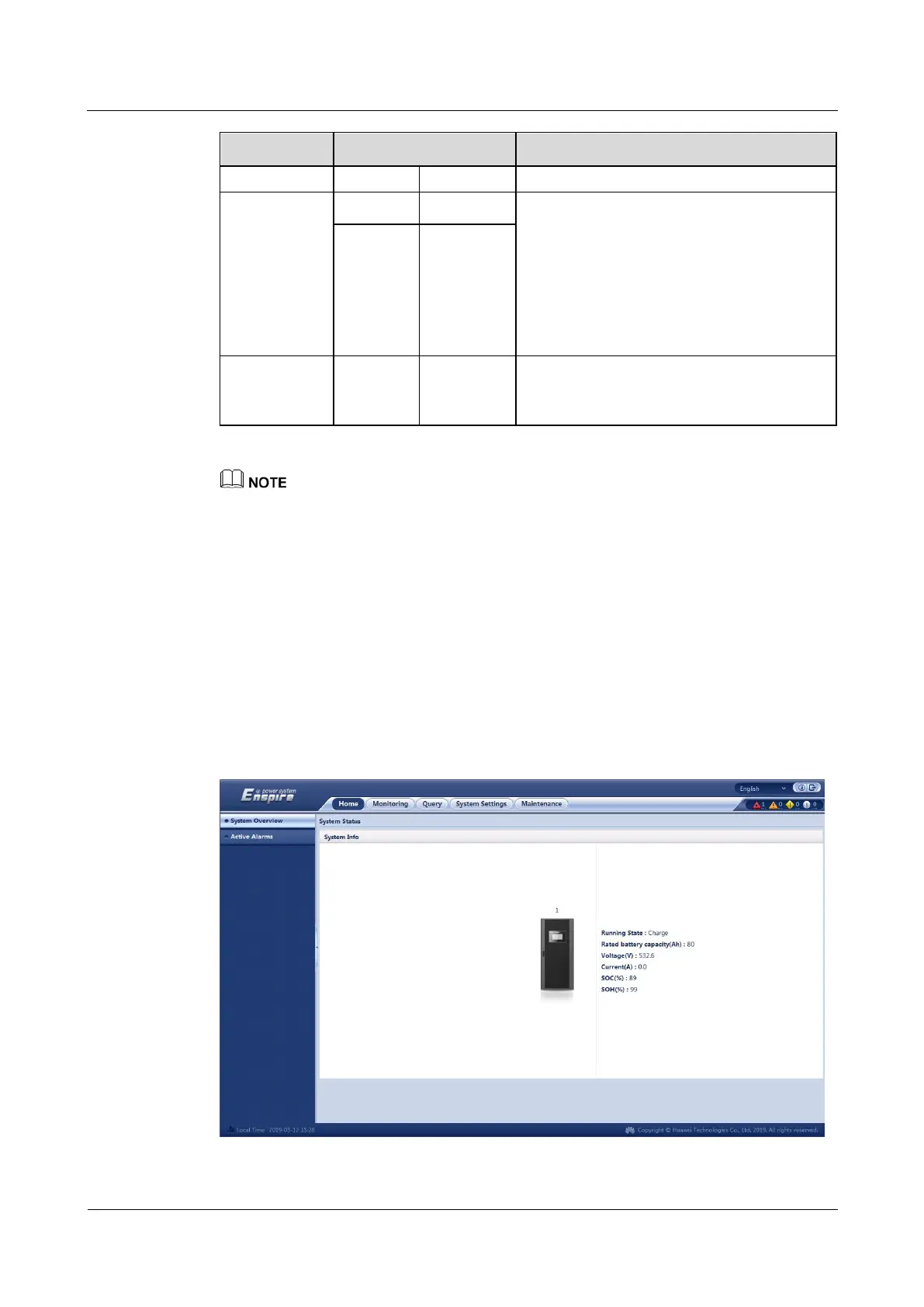
The Home page displays System Status, Active Alarm, and others.
Figure 4-14 Home











 To Next Page