Copyright © Huawei Technologies Co., Ltd.
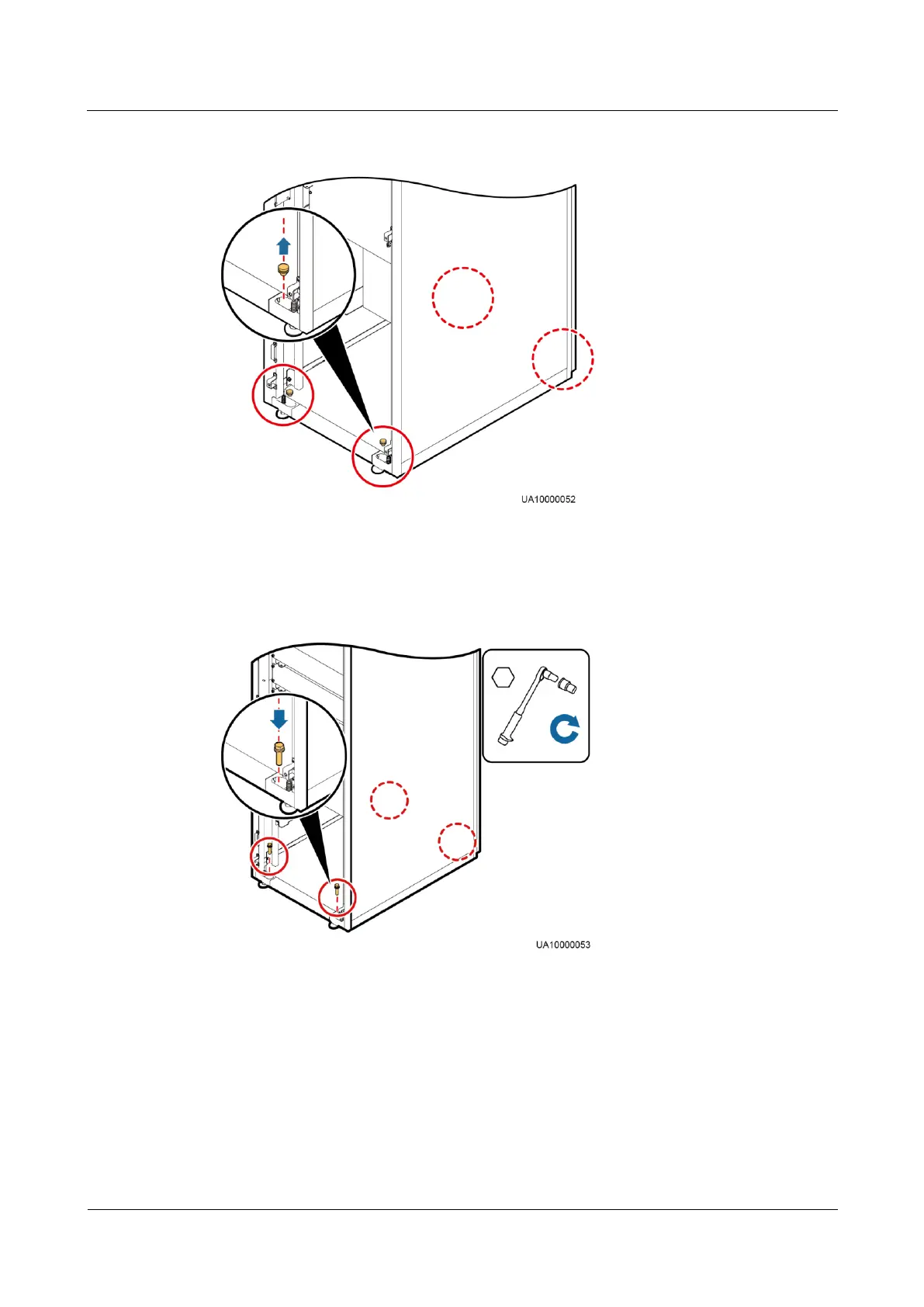
Figure 3-11 Removing plugs
Step 5 Insert four M12x115 expansion bolts into the expansion bolt holes in the floor, and tighten the
expansion bolts.
Figure 3-12 Tightening expansion bolts
----End
3.2.2.2 Non-Secure Installation
Procedure
Step 1 Adjust the four anchor bolts at the bottom of the cabinet until all the four castors at the bottom
hang in the air and the anchor bolts bear all of the cabinet weight.











 To Next Page