EasyManua.ls Logo

Huawei SmartLi - Settings

Huawei SmartLi
110 pages
Print Icon
To Next Page IconTo Next Page
To Previous Page IconTo Previous Page
Loading...
SmartLi
User Manual
4 User Interface
Copyright © Huawei Technologies Co., Ltd.
51
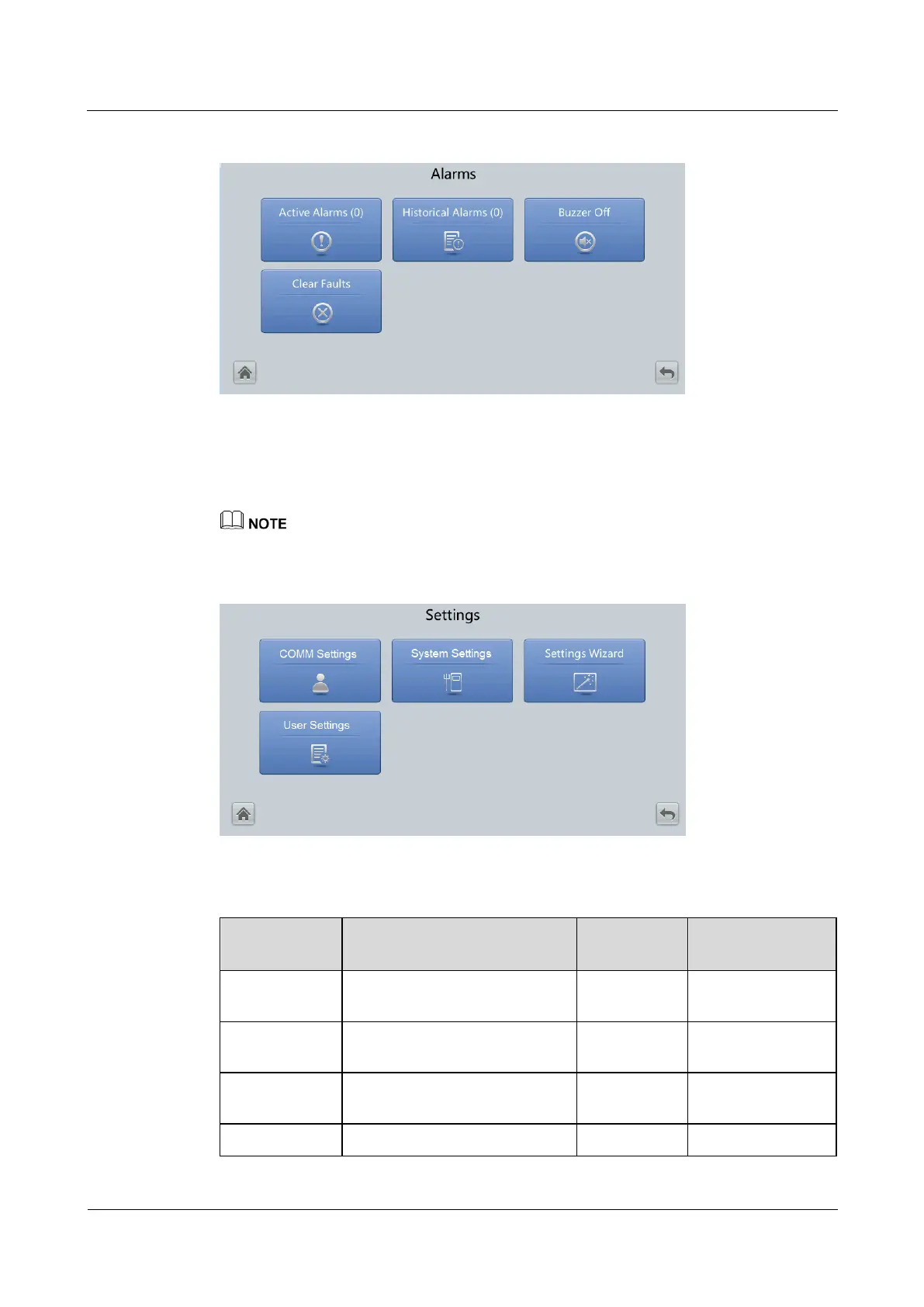
Figure 4-5 Alarms
4.1.2.4 Settings
On the System Status screen, tap the Settings icon.
If a user is not currently logged in, a dialog box will display for entering a user name and password.
Figure 4-6 Settings
Table 4-3 COMM Settings
Item
Description
Default
Value
Value Range
IP Address
allocation
Specifies the IP address
allocation.
Automatic
Manual, Automatic
IP address
Specifies the IP address for the
Ethernet.
192.168.0.10
1.0.0.0223.255.25
5.255
Subnet mask
Specifies the subnet mask of the
Ethernet.
255.255.255.0
0.0.0.0255.255.25
5.255
Gateway
Specifies the Ethernet gateway.
192.168.0.1
1.0.0.0223.255.25

Table of Contents

Related product manuals