Copyright © Huawei Technologies Co., Ltd.
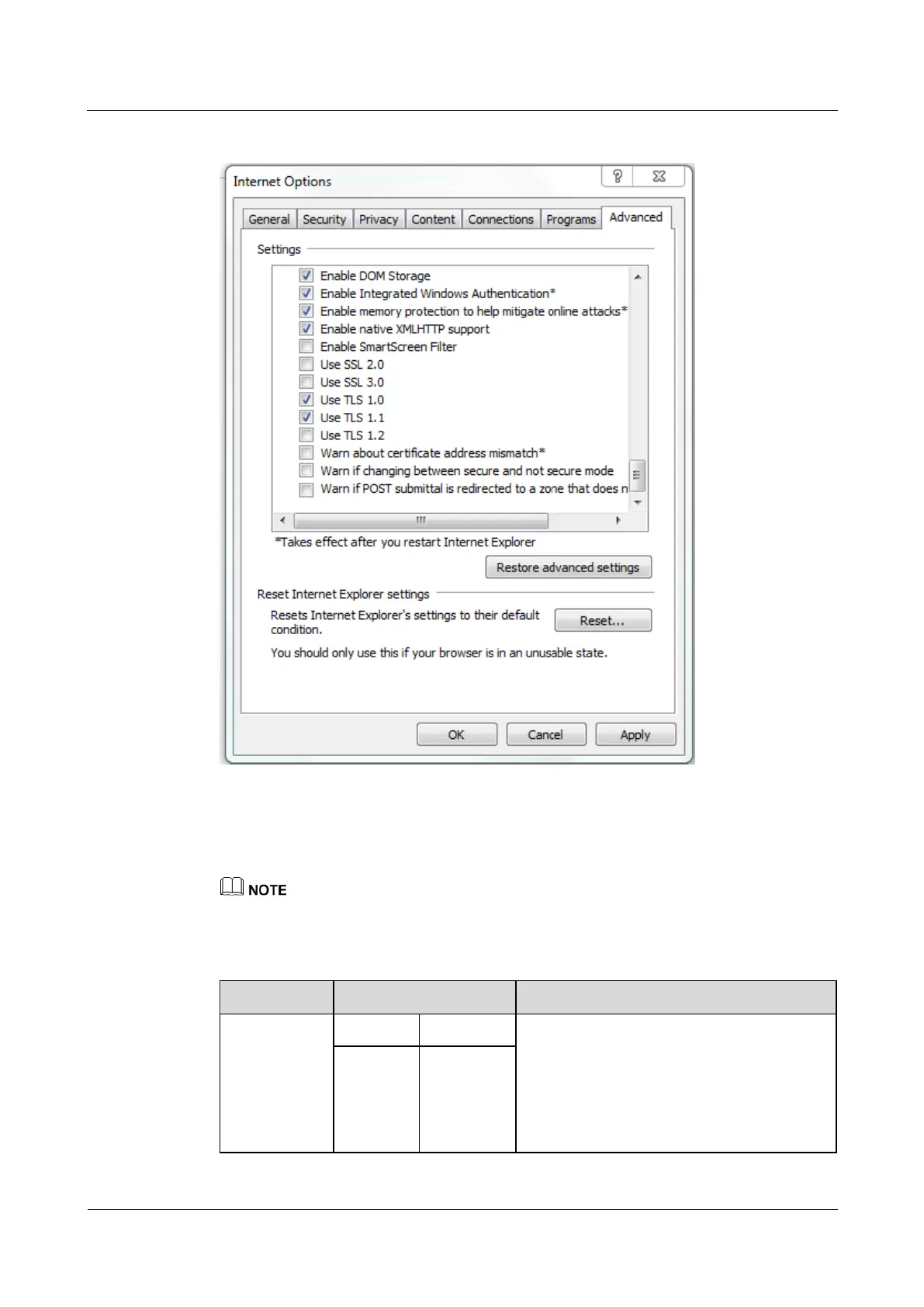
Figure 4-13 Settings in the Internet Options dialog box
Step 3 Enter https://SmartLi IP address in the address box of the browser, select a language, set
User name and Password, and click Login. The system supports Internet Explorer 11 and
Firefox 31.0.
The preset SmartLi IP address is 192.168.0.10. You can set the SmartLi Ethernet IP address on the LCD
or WebUI. The value range is 1.0.0.0–223.255.255.255.
Table 4-8 User description
admin (system
administrator)
Performs all operations on the LCD and
WebUI, including system running information
browsing, system information (historical
alarms, logs, e-labels, and fault information)
exporting, parameter setting, system control,
system configuration (network parameters,
user management, time and date, and site











 To Next Page