Copyright © Huawei Technologies Co., Ltd.
1.
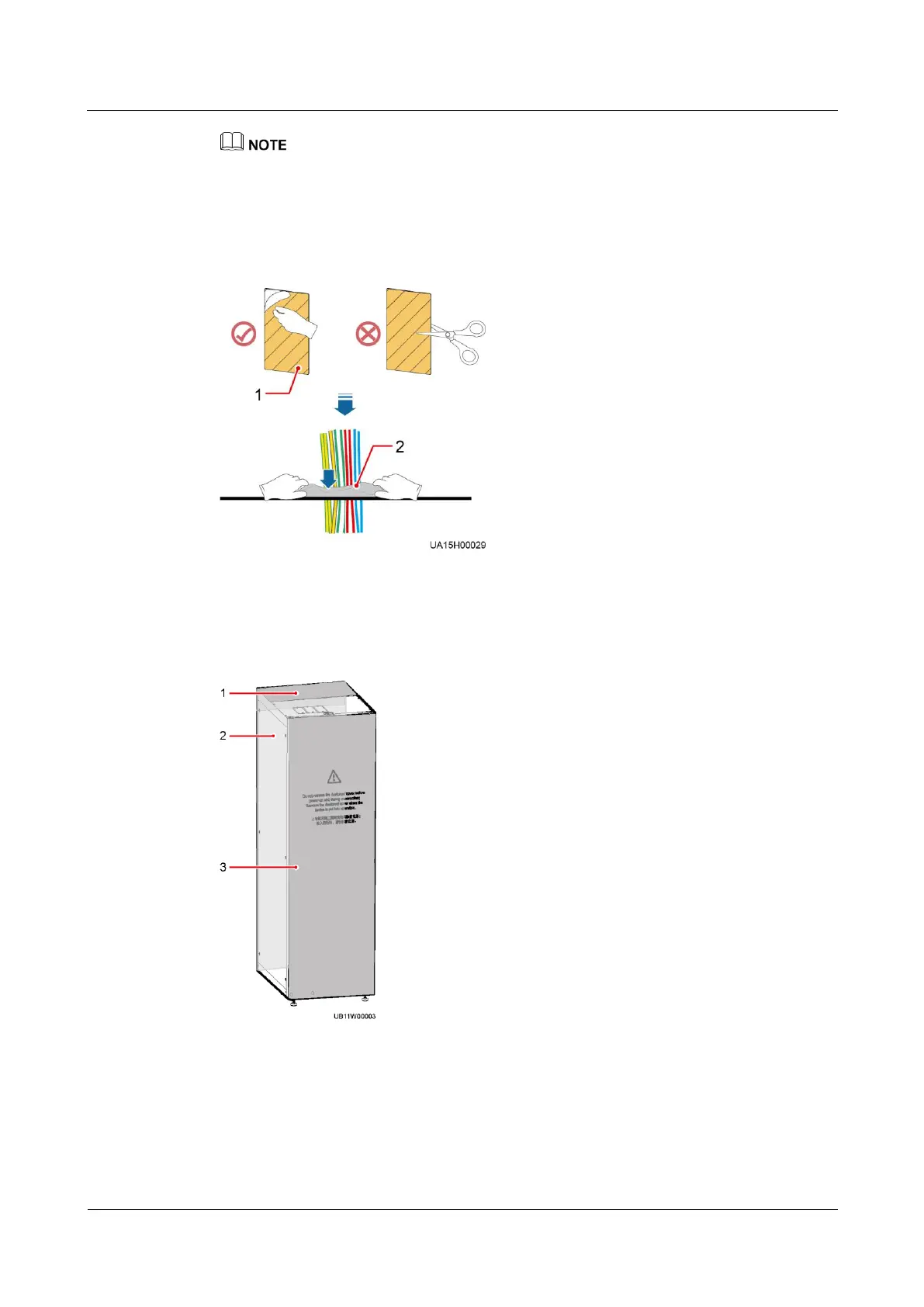
In the scenarios where covers are removed for routing cables, after routing cables and checking
cable connections, use sealing putty to fill in the gap between the cables and the cabinet.
2.
After verifying the installation, reinstall all the covers.
3.
Do not remove the dustproof cover before power-on to prevent dust inside the UPS.
Figure 3-32 Fill the holes with sealing putty
(1) Paper protective film
Figure 3-33 Dustproof cover
(3) Front dustproof cover











 To Next Page