Copyright © Huawei Technologies Co., Ltd.
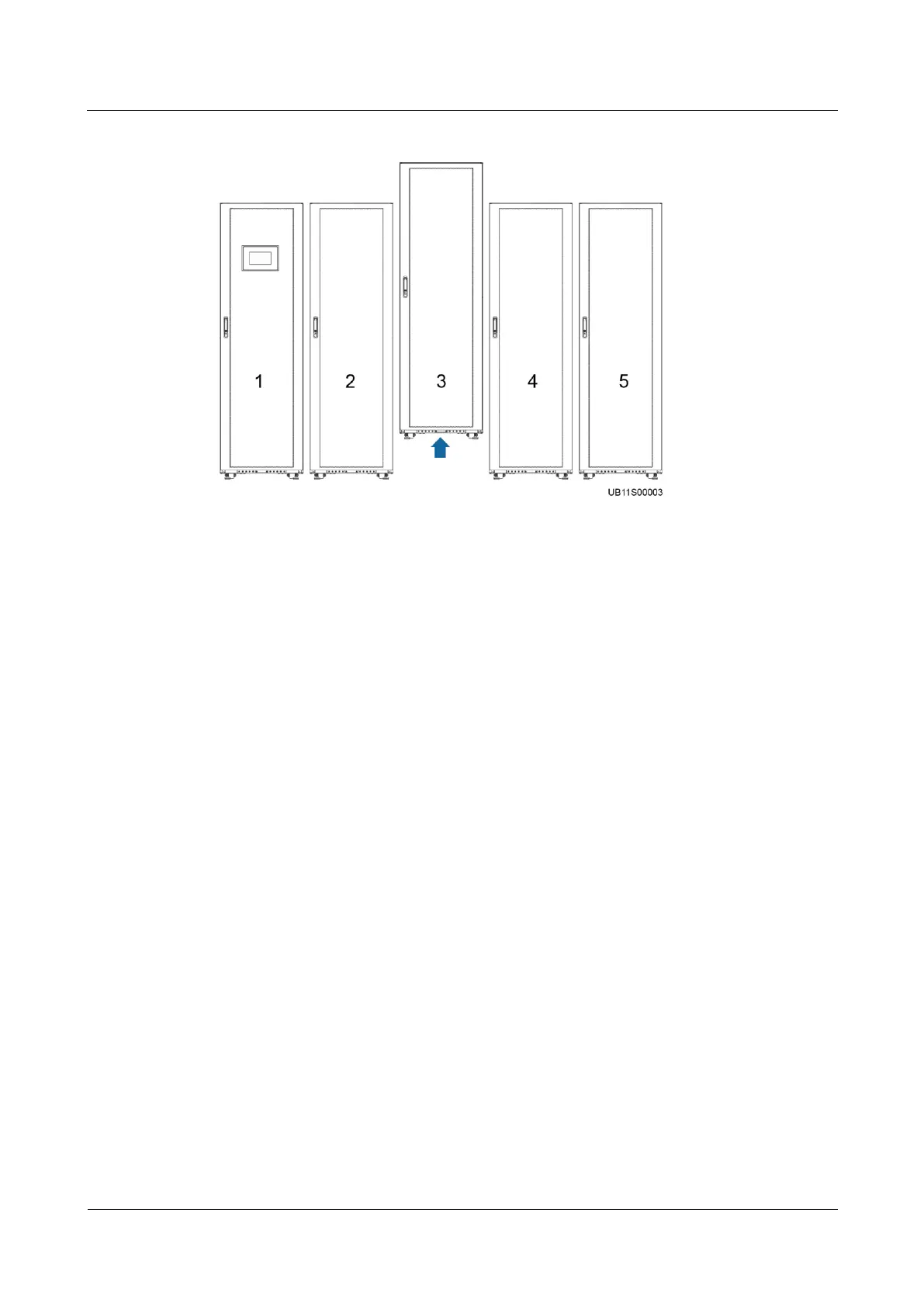
Figure 5-5 Removing a SmartLi
Procedure
Step 1 Turn off the battery circuit breaker on SmartLi 3.
Step 2 Press and hold the POWER ON/OFF button on the battery management module of SmartLi 3
for more than 5s.
Step 3 Remove the parallel cable between SmartLi 3 and SmartLi 4.
Step 4 Remove the terminal from parallel port 2 on SmartLi 3 and connect the terminal to parallel
port 2 on SmartLi 4.











 To Next Page