192
Wireless Setup
Sort Lists
1. In the sort bar, tap a column name, or move the Joystick and press it on a column name. The first tap/Joystick press will sort
the column low to high or A to Z. The second tap/Joystick press will sort it high to low or Z to A.
Connect to a Selected Network
Use the instructions in this section to connect to a network other than the network chosen by the control head. If the network is
locked, you can use these instructions to enter the security information.
1. Turn on Wi-Fi.
2. Tap the network name, or use the Joystick to select it.
If the network is open, the control head will connect to it.
If the network is locked, a dialog box will open. Use the on-screen keyboard to enter the password and additional security
information.
If the network you need is not displayed, see Connect to a Hidden Wi-Fi Network.
3. Press the MENU key once.
4. Select Connect from the menu.
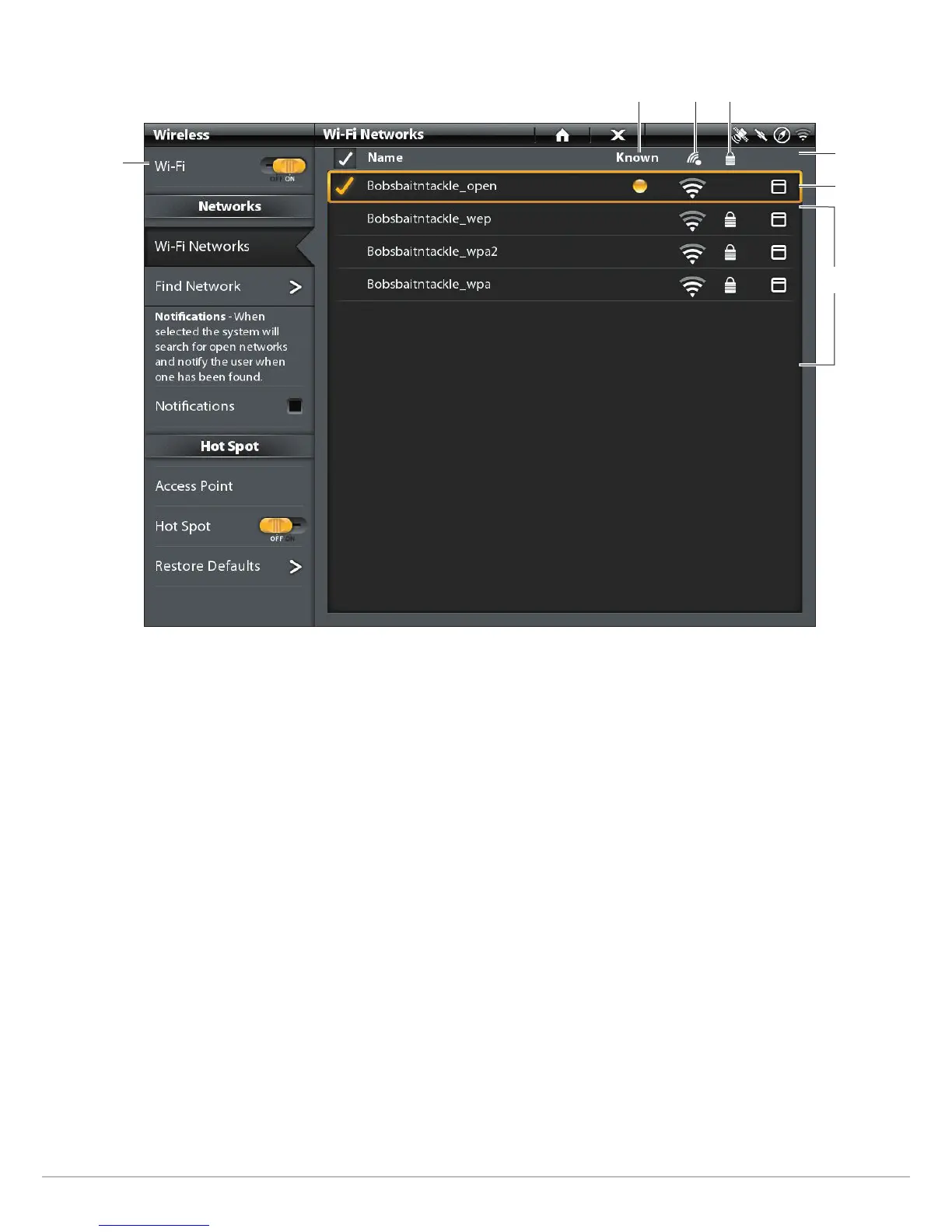
Selecting a Wi-Fi Network
selected
network
network
list
turn on
Wi-Fi
known network
signal
strength
locked
sort bar


 To Next Page
 Loading...











