Pg 11 S22A/S23A 2001b 2100 v1.0
SEQUENCER OPERATION GUIDE
ORDER OF OPERATION
1. With the Mode Switch in the Manual or Neutral position, turn the Sequencer "On" with
the PLC switch.
Do not press any of the keys on the Sequencer Display face as the PLC switch is turned
on.
The displays will light, the Sequencer will do a brief self test and within seconds be
ready for operator input. For manual operation the blade speed will be displayed with the
blade running.
2. Set the required piece length. If the length is less than 29", set the required length (with the S-20A length
control adjusting block which slides along the ruler assembly) + blade kerf (kerf increases with angle being cut).
The Hyd
.
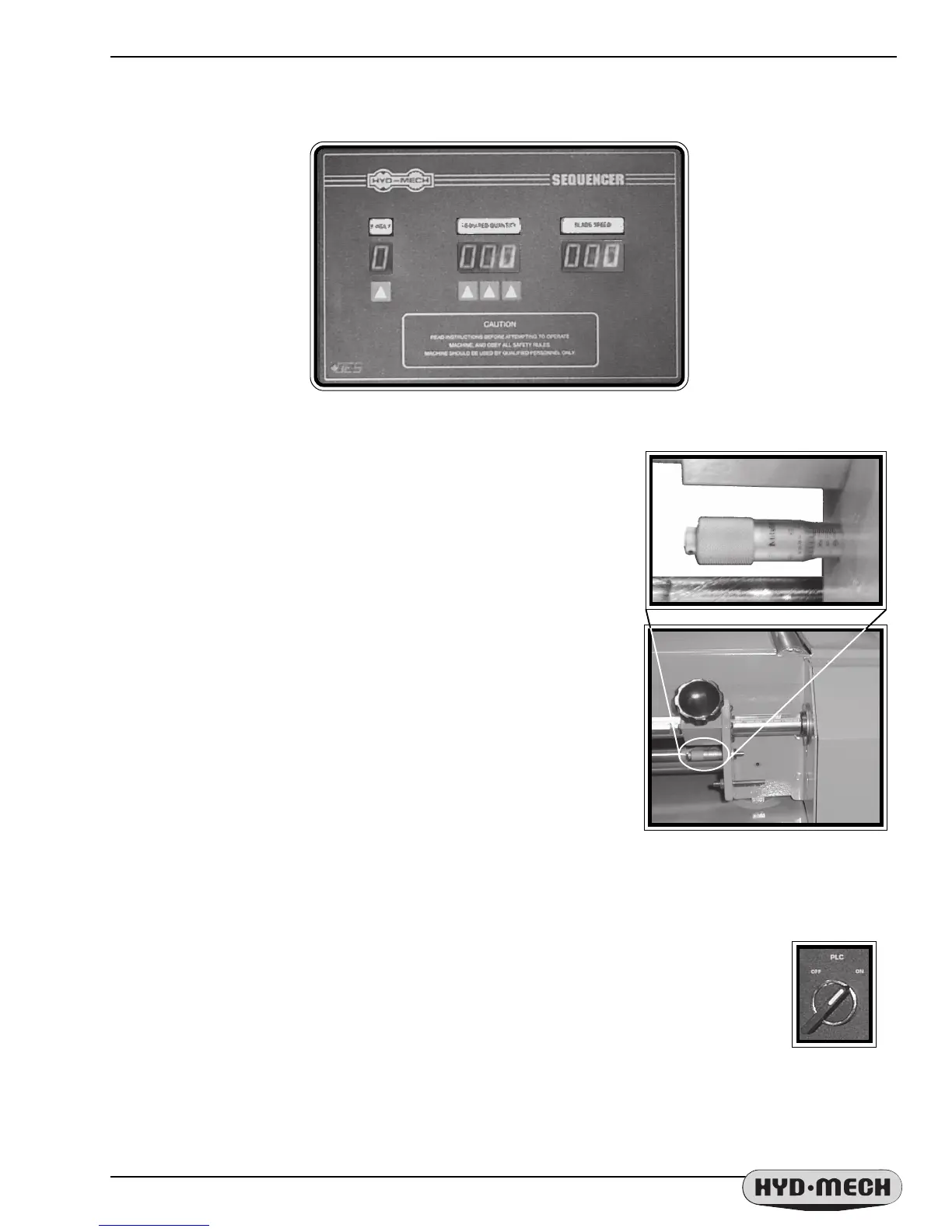
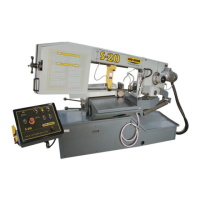
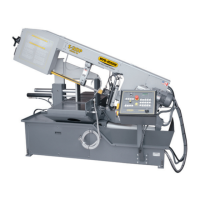
Mech Sequencer controller provides automatic operation of the
S-20A Series II or S-23A. The operator needs only to set the required length
measurement using the adjusting block and scale. For longer lengths than
29", the SEQUENCER can provide multi-indexes of the shuttle by setting
the single digit #INDEX function.
The required number of cuts is set using the 3 digit REQUIRED
QUANTITY function. In AUTOMATIC mode, the S-20A Series II / S-23A
will cut the required number of pieces and then the saw will shut off.
In either AUTOMATIC or MANUAL mode, the BLADE SPEED function
displays the current blade speed while the blade is running.
NOTE; For the Sequencer to read the correct position of the
shuttle, the micrometer on the length control assembly (on the side of the
infeed conveyor shown) must be set to .250". For additional information
about length controls, see “Shuttle Length Controls” later in this section
(Mechanical Controls).
The Sequencer interface.
Sequencer control and
micrometer.


 To Next Page