Page 44
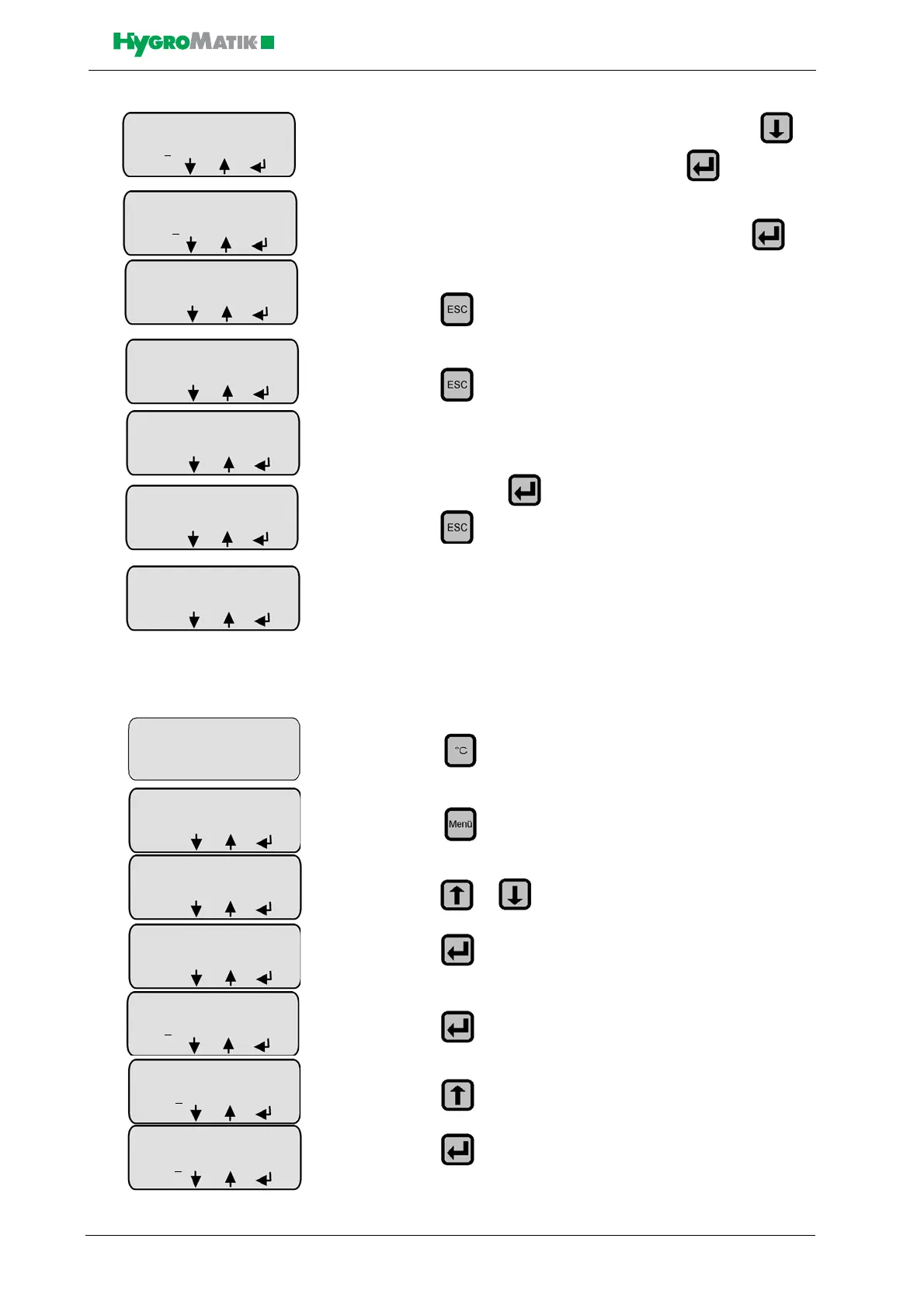
» the cursor is now located below the 2nd. digit, press 3
times to set the 2nd. digit to 7; then press
» now the cursor is located below the 3rd digit, press to
finish modifying P1
» press
» press to exit the submenu
» the modification must be confirmed to be permanently saved;
to do this press
» press to exit the menu
P3 Reset Maintenance Interval
After maintenance, reset the service interval as shown below (green
LED is still blinking):
» press
» press
» press or until “Parameter Settings” appears in the
display
» press
» press
» press
» press
»
Steam Generation
Output Limitation
P1: 00
0%
ESC
Steam Generation
Output Limitation
P1: 070
%
ESC
Steam Generation
Output Limitation
P1: 070%
ESC
Operation Mode
parameters
ESC
Confirm change
with Enter
yes
Commissioning-
parameters
ESC
Steam Bath
41,5 °C
45,0 °C
Menu
Steam Bath
41,5 °C
°C V D L
Steam Bath
41,5 °C
45,0 °C
Menu
Parameter Settings
Code 0
00
ESC
Parameter Settings
Code 00
0
ESC
Parameter Settings
Code 01
0
ESC














 To Next Page