Page 33
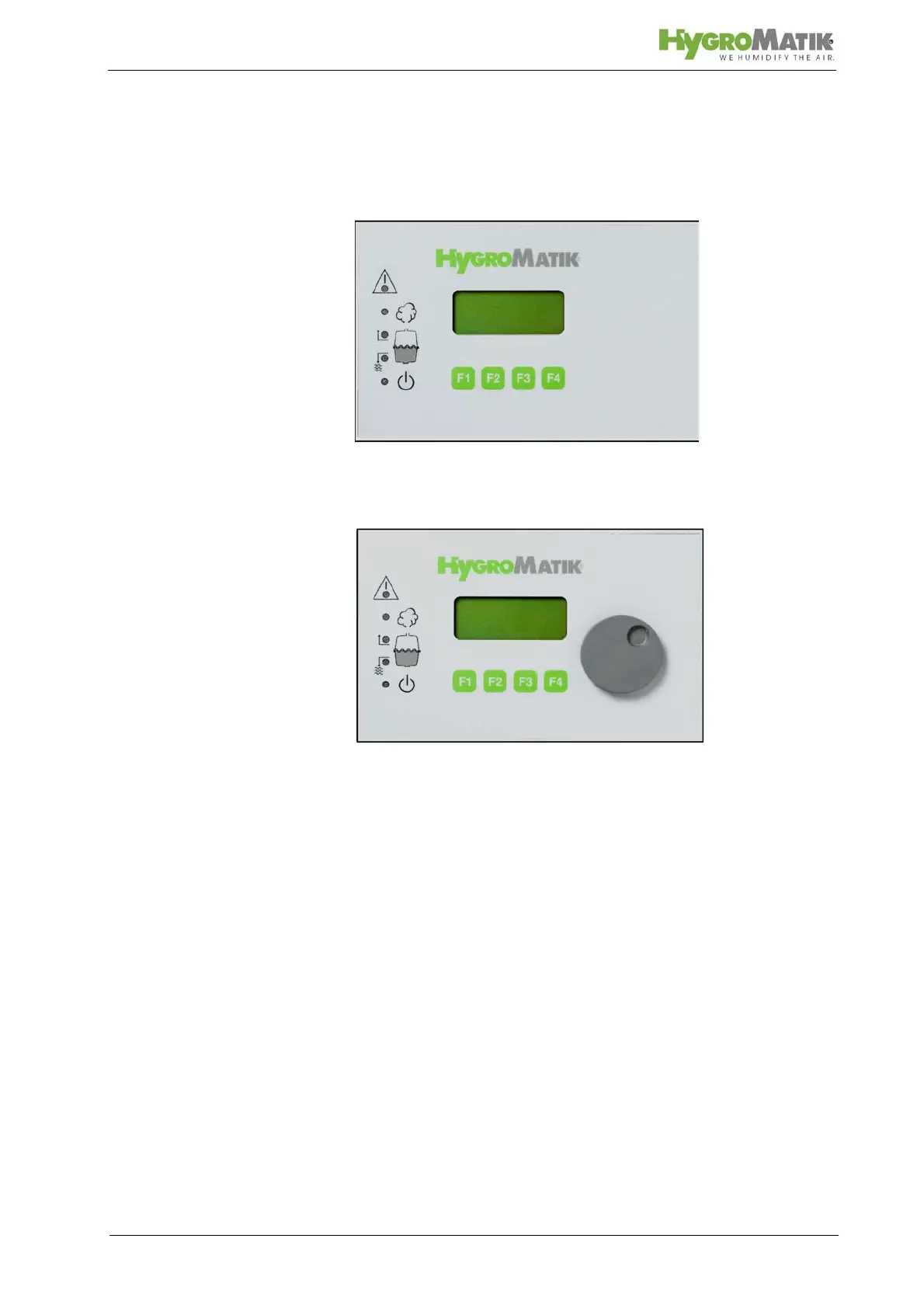
5.1.1 Comfort / Comfort Plus Display and Operation
Unit
Comfort
Comfort - Plus
Unlike the Comfort, the Comfort Plus is equipped with an addi-
tional encoder knob for easy use. Turning the knob left or right is
equivalent to pressing the software keys “up arrow“ or “down
arrow“.
Pushing down the encoder corresponds to pressing the software
key “Enter”.
The information is presented on a four-line lighted LC-display.
In the first line, the operational conditions of the humidifier are
indicated, also see Section „Operational Conditions“.
If the humidifier malfunctions, the red LED in the warning trian-
gle blinksThe humidifier is automatically turned off and a follow-
up fault message appears on the display, also see Section: “Mal-
functions and Messages / Conditions”.














 To Next Page