Page 48
7.3.2.2 System Test Submenu
This test enables checks of various humidifier functions (for
example, during start-up).
The following test routines can be executed:
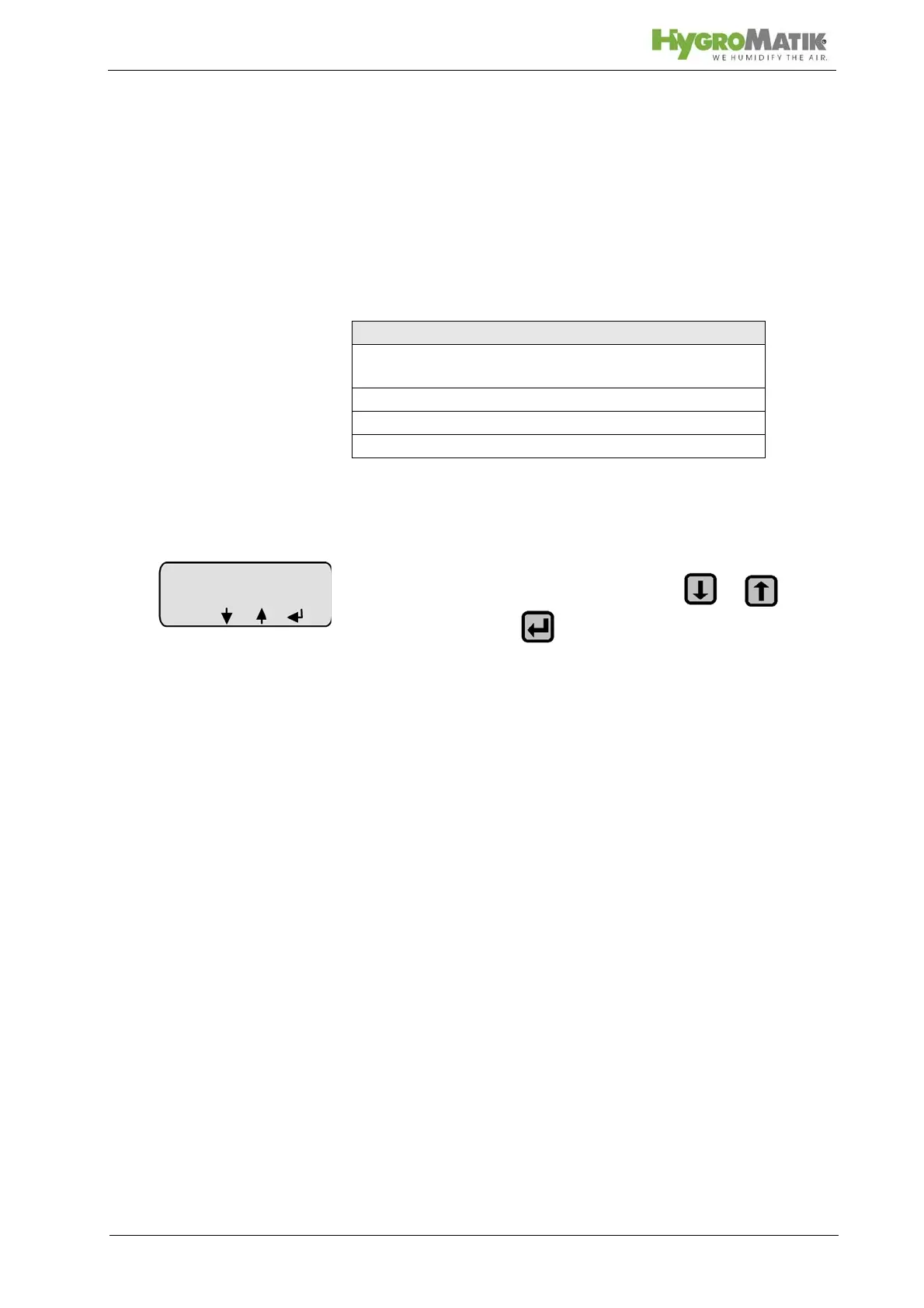
To select the “System Test” submenu (the initial programming
sequence here is analogous to the description of navigation to
the control parameters submenu):
» select the desired test routine with or and
confirm with - the test will be executed
Automatic System Test
The automatic system test performs all the stand-alone tests
described below. Upon completion of each test, a message
appears on the display. After this, press „next“ to proceed to the
next test. After the last test the humidifier resets when pressing
„next“.
LED Test
This test provides the ability to check the function of the LEDs.
The LEDs Humidifying, Filling, Blow-Down, Steam Produc-
tion and Fault are activated sequentially for a few seconds.
Simultaneously, the component which corresponds to the LED is
activated. For example, the water inlet solenoid valve is acti-
vated along with the LED Filling, or the collective fault relay is
activated when the LED Fault is activated. Pressing „next“ leeds
to a reset of the humidifier.
System Test
Automatic System Test (includes all stand-alone
tests)
LED Test (stand-alone test)
Pump/MV test (stand-alone test)
Control Status Test (stand-alone test)














 To Next Page