Page 66
7.7.2 Programming Parameter E3
Follow the same programming steps used for “Modifying Param-
eter U6” (previous section), until the “Control Parameters” sub-
menu is displayed:
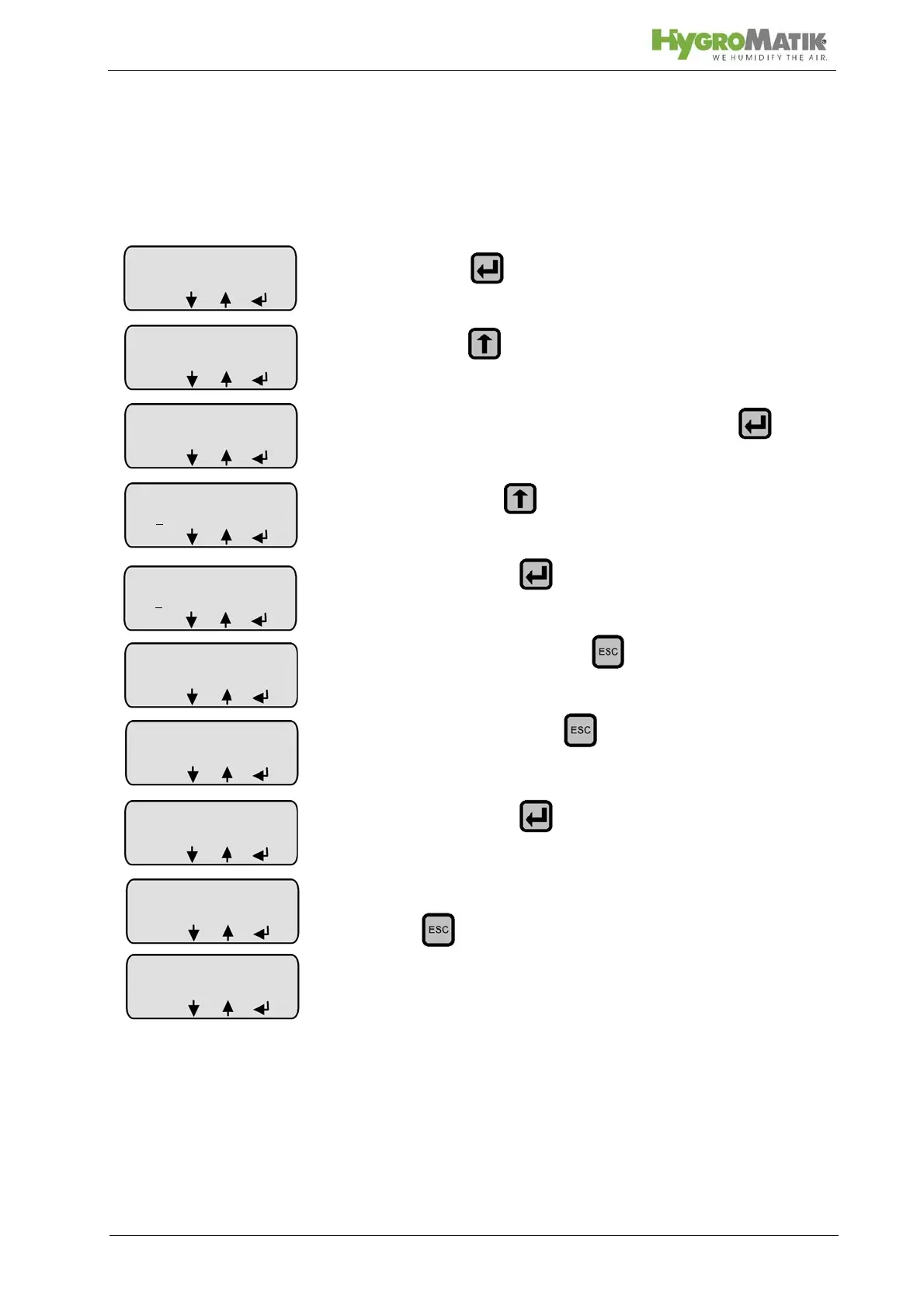
» press (= enter the menu)
» press until Parameter E3 is shown
» select Parameter E3 for modification with
» hold down until “0-20 mA” appears
» confirm with
» exit the submenu with
» exit the menu with ; the modification must be con-
firmed to be permanently saved
» confirm with
» he parameter change will be permanently saved; use
to return to readout mode (= lowest level)
Control
Parameter
P1: 100%
ESC
Input signal
E3: 0-10 Volt
ESC
nput signal
E3: 0
-10 Volt
ESC
nput signal
E3: 0
-20 mA
ESC
nput signal
E3: 0-20 mA
ESC
Confirm changes
with ENTER
yes
ESC
Stand-by
Steam kg/h
L0: 5:00
menu














 To Next Page