Page 64
7.7 Parameter Setting with Codes (P0=010) /
Advanced Customer Level
Example: The control signal setting should be adjusted.
The factory setting is a 0-10V signal from an external controller;
this setting should be changed to activate the PI-controller to
connect to an active humidity sensor with a 0-20 mA DC signal.
Accordingly, the parameters must be changed as indicated
below:
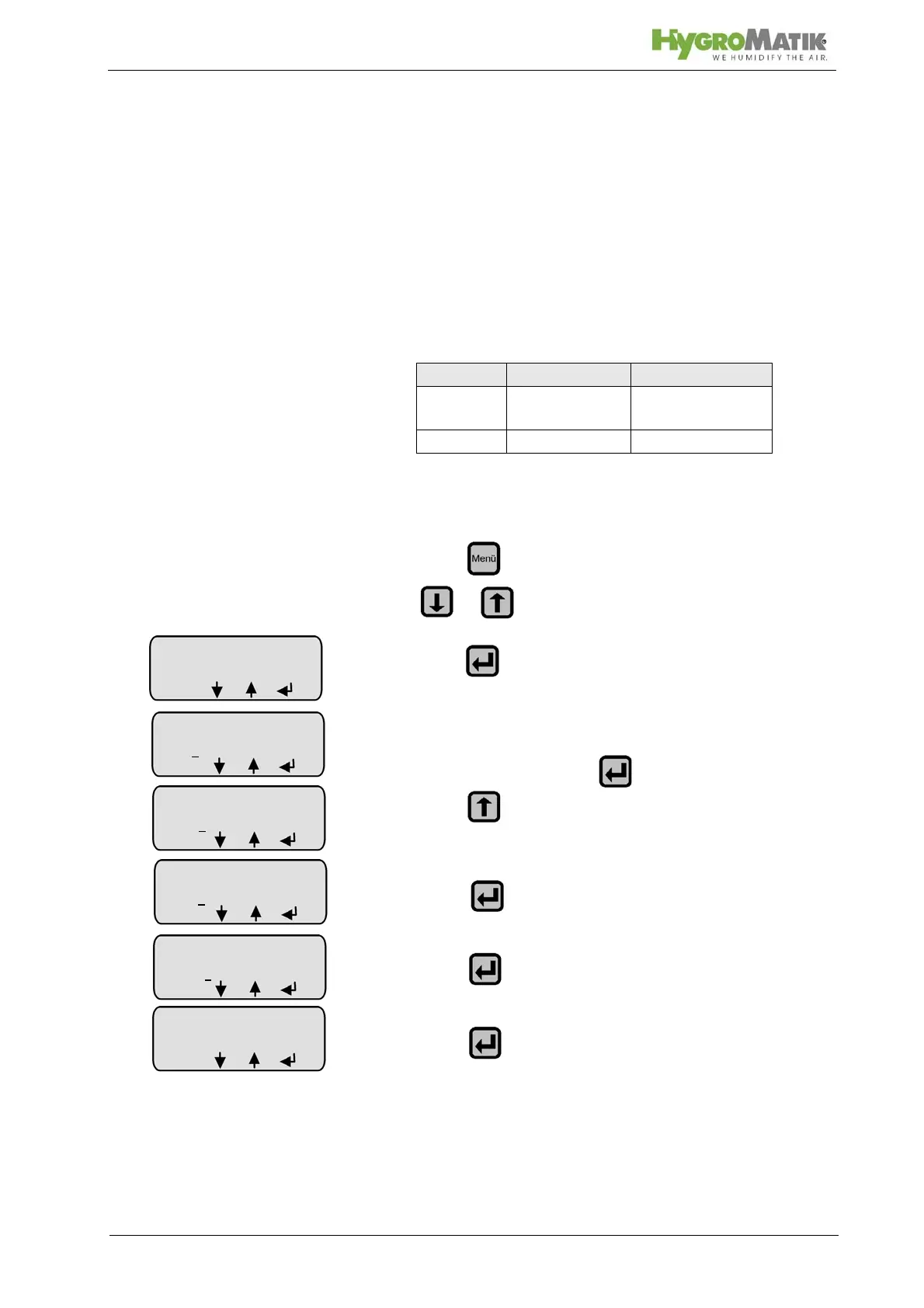
7.7.1 Programming Sequence for Modifying Parame-
ter U6:
» press and select “Parameter Settings” menu with
or
»press
» the advanced customer level access code (P0=010)
must be entered; press
»press
»press
»press
» press (= enter the menu)
Parameter Old Value New Value
U6 external con-
troller
PI-controller
E3 0-10 Volts 0-20 mA
Parameter
Settings
Code 0
00
menu
Parameter
Settings
Code 00
0
menu
Parameter
Settings
Code 01
0
menu
Parameter
Settings
Code 010
menu













 To Next Page