Page 62
7.6 Parameter Setting without Codes (P0=000) /
Basic Customer Level
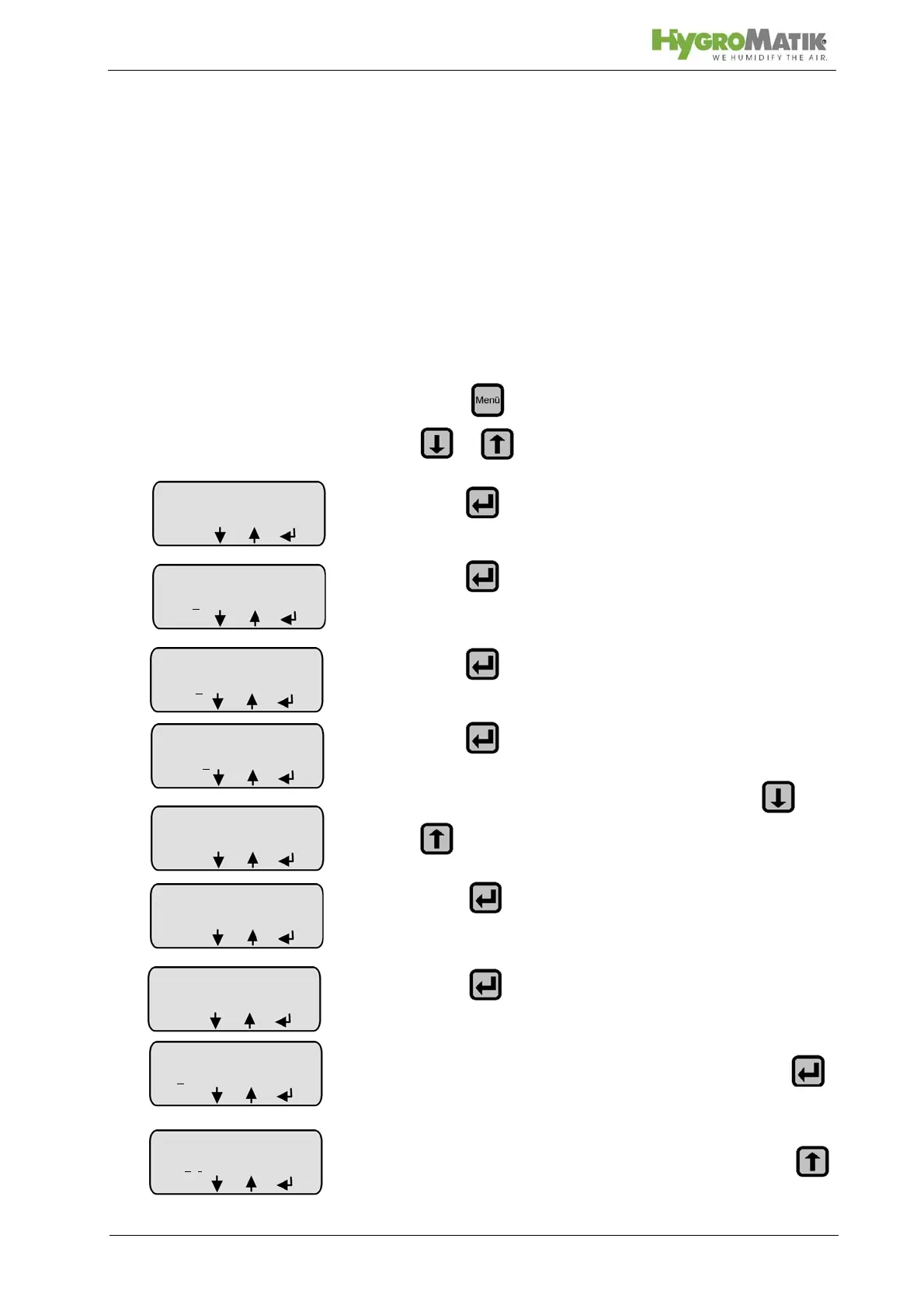
Example: The time period after which stand-by blow-down is
performed (Parameter A4) should be changed from the factory
setting (A4 = 24h min) to A4 = 10 h.
7.6.1 Programming Sequence for Modifying Parame-
ter A4:
» press and select menu “Parameter Setting” with
or
»press
»press
»press
»press
» select submenu “Blow-Down Parameter” with or
» press (= enter the menu)
» press (=select parameter to be modified)
» the cursor is positioned under the 1st digit. Press
twice.
» the cursor is positioned under the 3rd digit. Press
Parameter
Settings
Code 0
00
menu
Parameter
Settings
Code 00
0
menu
Parameter
Settings
Code 000
menu
Stand-by
blow-down
A4: 24:00 [h:m]
ESC
Stand-by
blow-down
A4: 0
00:00
ESC
Stand-by
blow-down
A4: 00
0:00
ESC













 To Next Page