Page 57
H11 Blow-Down Counter (only for HeaterLine Type humidifi-
ers)
Using this parameter, you specify the quantity of steam. After the
steam humidifier has produced this quantity of steam, the control
initiates a partial blow-down. The preset value should only be
modified in consultation with HygroMatik.
H12 Blow-Down Duration (only for HeaterLine Type humidifi-
ers)
With this parameter, you set the pump run time during partial
blow-down. This is given as a specified blow-down time in sec-
onds. The preset value should only be modified in consultation
with HygroMatik.
P1 Steam Generation Output Limitation
The steam output can be set to a value between 25% and 100%
of nominal output using the steam generation output limitation.
The actual steam output released depends on the control signal.
Limitation of the steam output may be needed for better control.
P2 Quantity of Steam Service Interval
The Comfort / Comfort Plus Control records the quantity of
steam actually produced. The quantity of steam service interval
is saved in Parameter P2 Steam Amount Service Interval. If the
humidifier has produced this quantity of steam, the green LED
on the operation unit blinks continuously (service message). The
frequency of maintenance depends primarily on the water qual-
ity (conductivity, carbonate deposits) and on the interim steam
amount produced. The maintenance interval can be adjusted to
the water quality using Parameter P2.
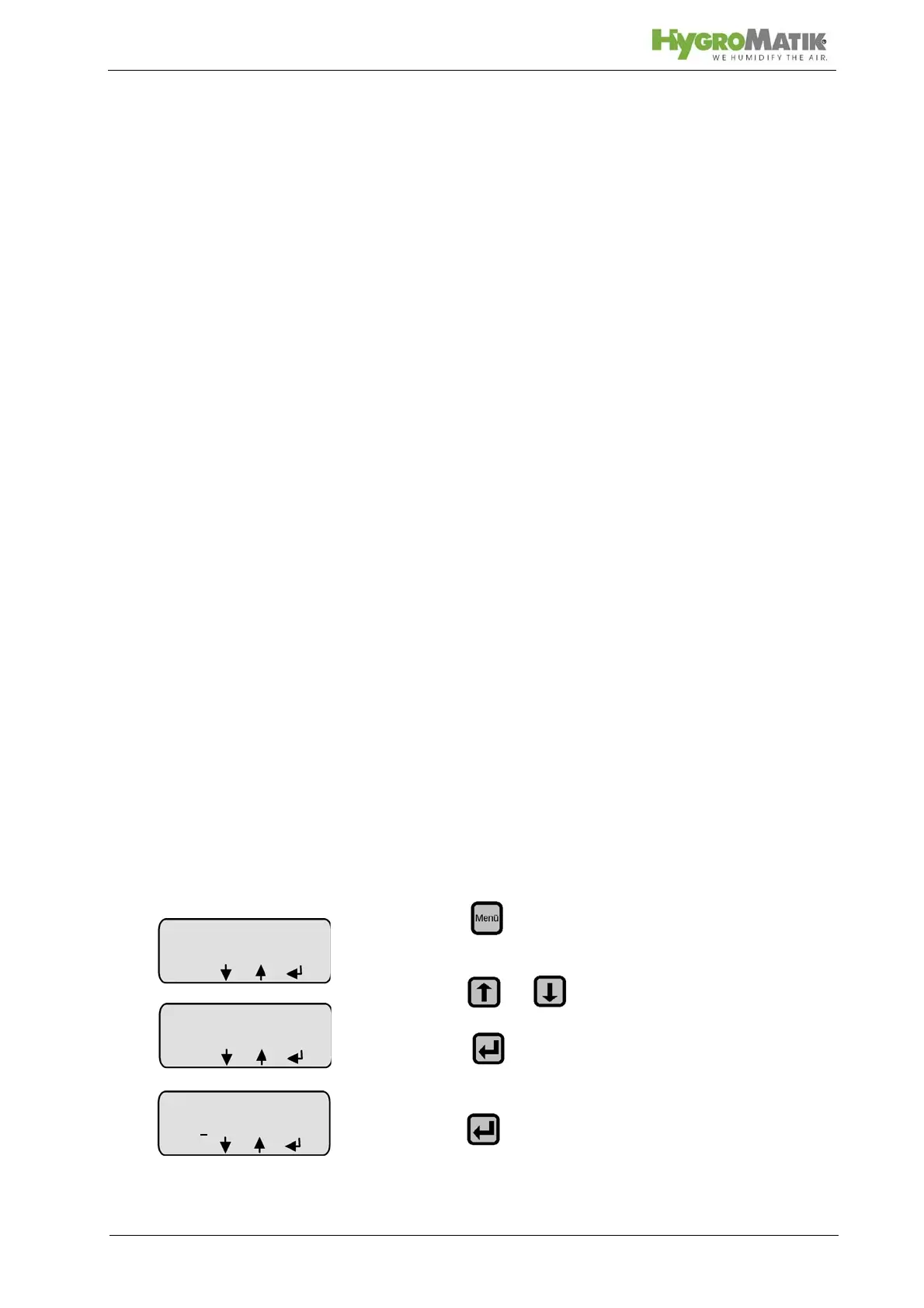
P3 Reset Service Interval
After maintenance, reset the service interval as shown below
(green LED is still blinking):
»press
» press or until “Parameter Settings” appears
on the display
»press
»press
Parameter
Settings
Code 0
00
ESC














 To Next Page