22 | P a g e
14. How to replace the CMOS battery:
This section provides information on how to replace the CMOS battery in the system.
a. Power system off
b. Unplug power from system
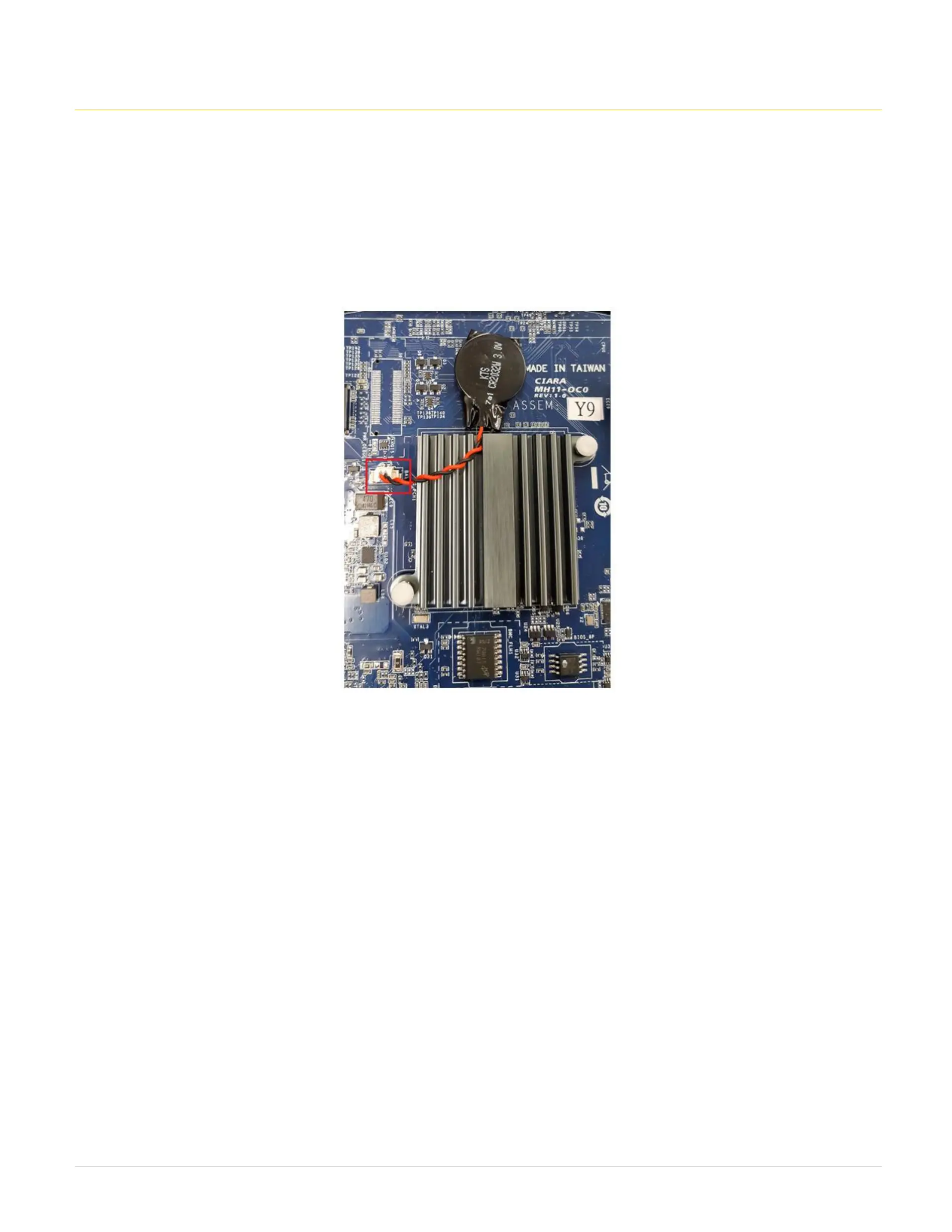
c. Remove CMOS battery connector from motherboard (Battery is held onto motherboard by sticky tape)
d. Gently pull battery off motherboard and replace with new battery (new battery should have come with connector already attached to battery)
e. Plug power back in
f. Turn system ON
g. Allow system to go through a complete power cycle in order to initialize all components



 To Next Page