65 | P a g e
29.13 Utilities
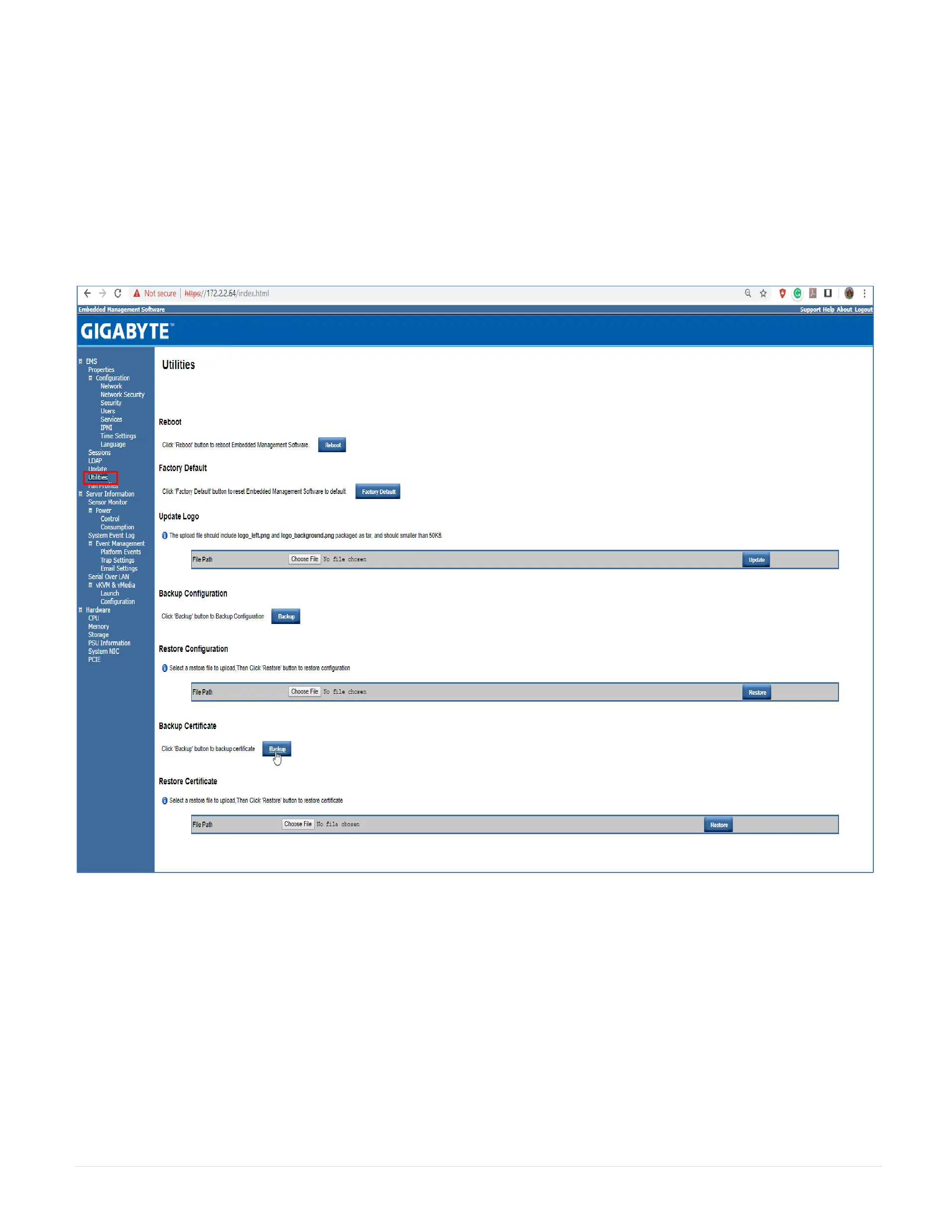
The Utilities page provides BMC reboot and Factory default restore functions.
1. To reboot system, click Reboot.
2. To restore factory default, click Factory Default.
3. To update Logo, select the file on your local system using Browse and click Update.
4. To backup configuration, click on Backup under the Backup Configuration.
5. To restore configuration, select the file by clicking Choose File and then click on Restore under the Restore Configuration.
6. To backup certificate, Click on Backup under the Backup Certificate.
7. To restore certificate, select the file by clicking choose File and then click on Restore under the Restore Certificate.



 To Next Page