73 | P a g e
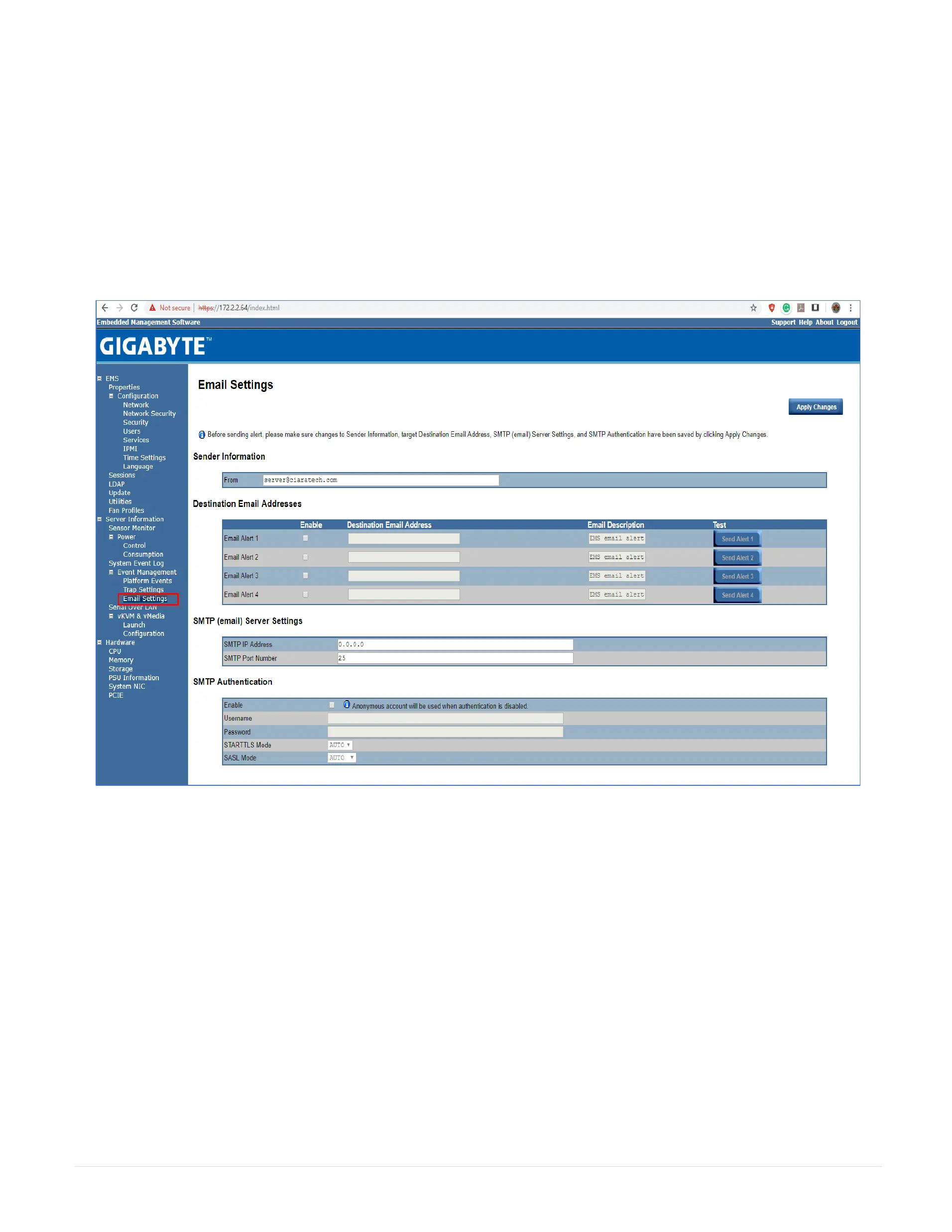
29.21 Email Settings
If you want the alert to be sent by email, you can configure to specify the e-mail address, subject and message in the Email Settings. After you finish the configuration,
click Apply Change to save the settings.
29.21.1 SMTP
Set E-mail (SMTP) server IP address for sending alert notification to user.
Check the SMTP Authentication Enabled box and enter the SMTP IP address, User Name, Password; select the STARTTLS Mode and SASL Mode from the drop-down
list. When you finish the configuration, click “Apply Changes”.



 To Next Page