46 | P a g e
26. Configuring BMC IP-Address Settings for remote management
This section provides information on how to configure BMC IP-address settings for remote management.
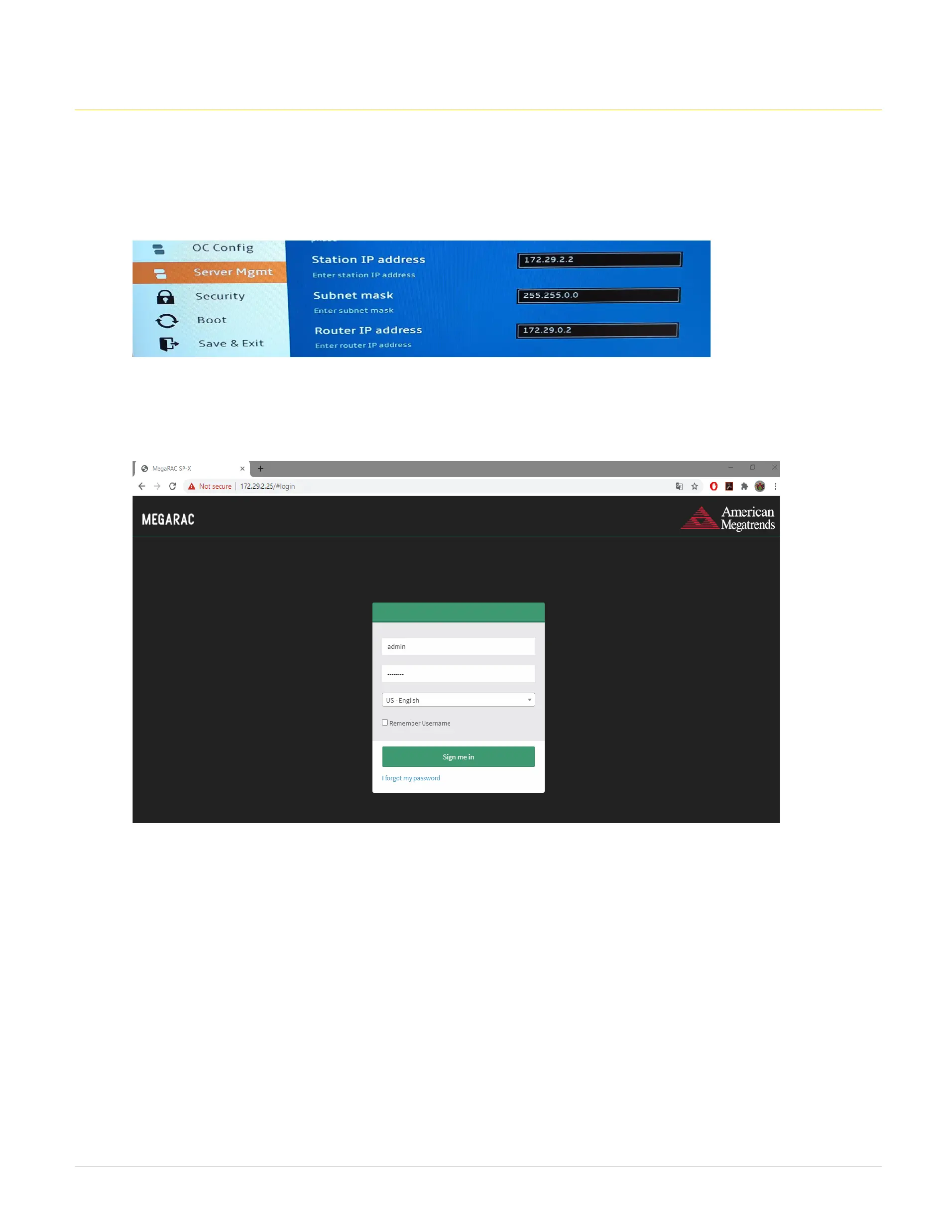
Step 1: Go in to the BIOS, In the Setup menu, under the Server Mgmt menu select BMC network configuration and note down the Station IP address.
Step 2: Launch the web browser, Type the IP address of the BMC, and enter the username as admin and password as password. Then click on Sign me in.



 To Next Page