77 | P a g e
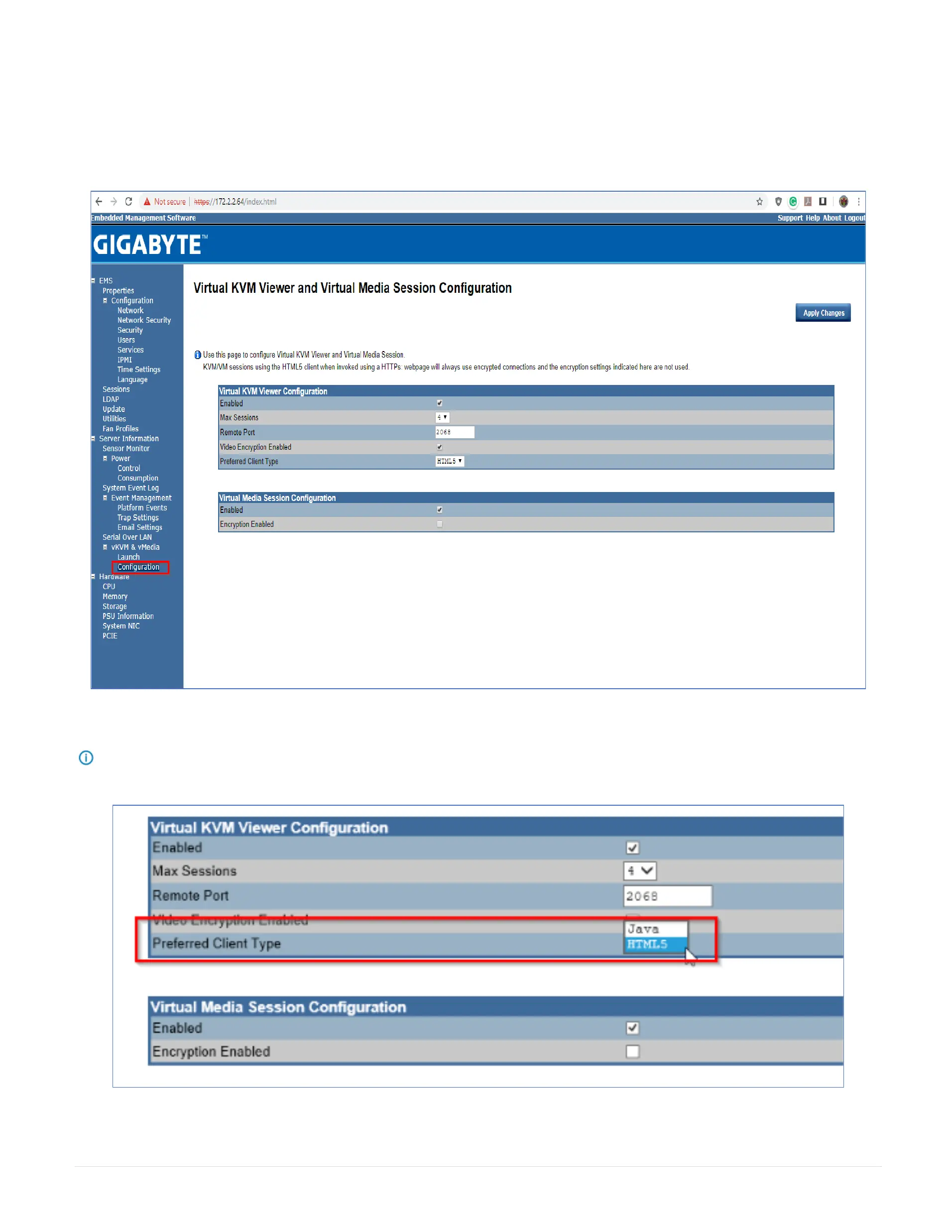
29.25 Virtual KVM Viewer and Virtual Media Session Configuration
This screen allows you to configure the Remote Console settings. Check the Virtual KVM Configuration Enabled box or Virtual Media Configuration Enabled box, and
select the Max Sessions, Remote Port, Video Encryption Enabled, and Preference Client from the drop-down list. After you finish the configuration, click Apply Change
to save the settings.
Note: In the Preferred Client type you can change from by default HTML5 to JAVA.



 To Next Page