52 | P a g e
29. Accessing the Management Console
1. Open a web browser and type in your identified BMC IP.
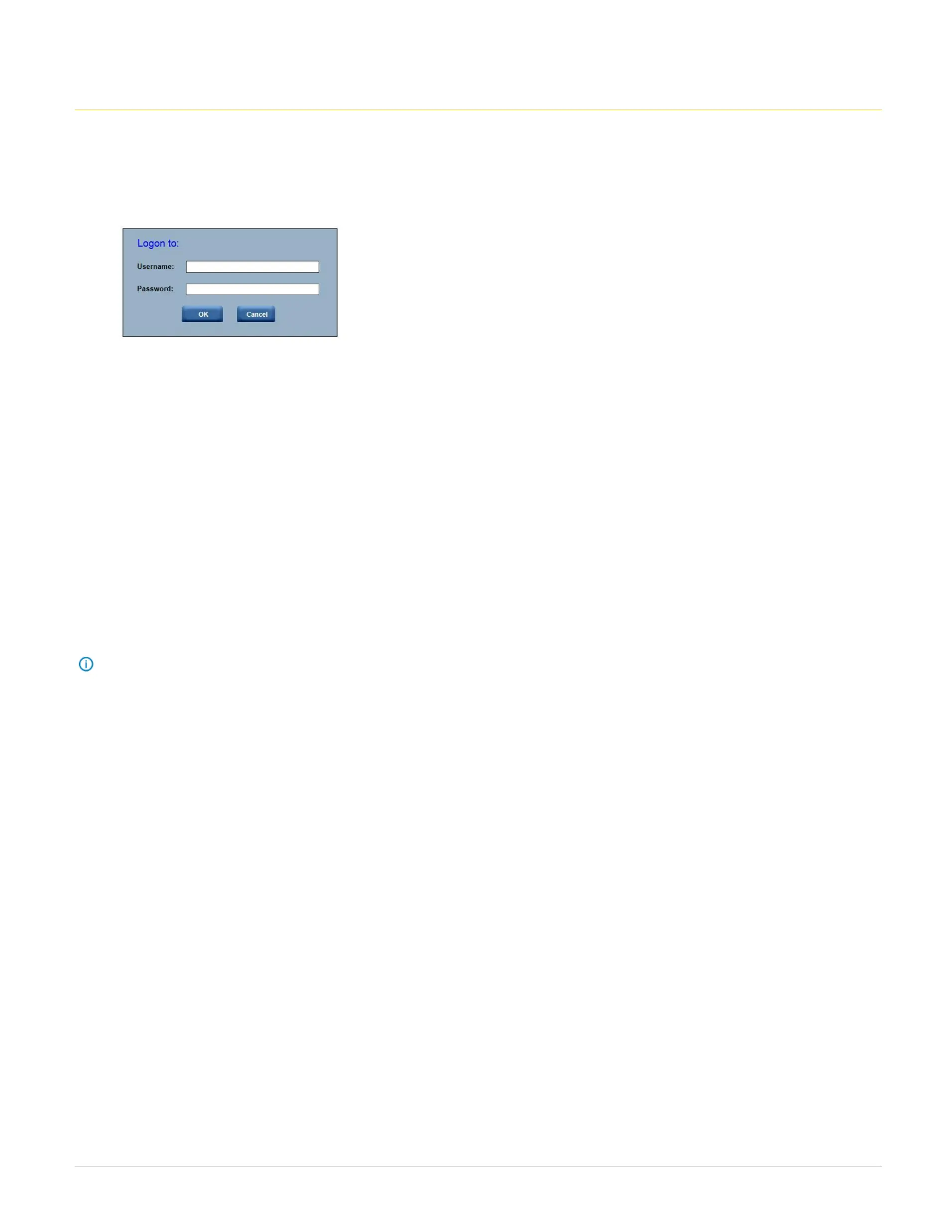
2. A dialog box prompts you to enter Username and Password.
3. Enter the following values:
Username: ADMIN
Password: ADMIN
OR
Username: admin
Password: password
Note: When you log in using the root user name and password, you have full administrative powers. The recommendation is that once you log in, you change the
root password.



 To Next Page