© 2023 HyQuest Solutions 28
Configuration
level. If it is empty, the terminal is immediately available as soon as the RS232 connection is
made. If the code has been set, then a prompt message is shown and the code must be entered
before the terminal becomes available.
You can set the user to be logged off automatically after a certain period of no key presses,.
Enter the time in seconds in this column.
This option allows you to enter the hour of the day to start calculating the day totals.
Enter the month of the year to start calculating the year to date totals.
Choose the LCD Title Mode – Standard or Metering.
Choose the language from the available options (English, German, French, Spanish and
Portuguese).
3.2.2 Power
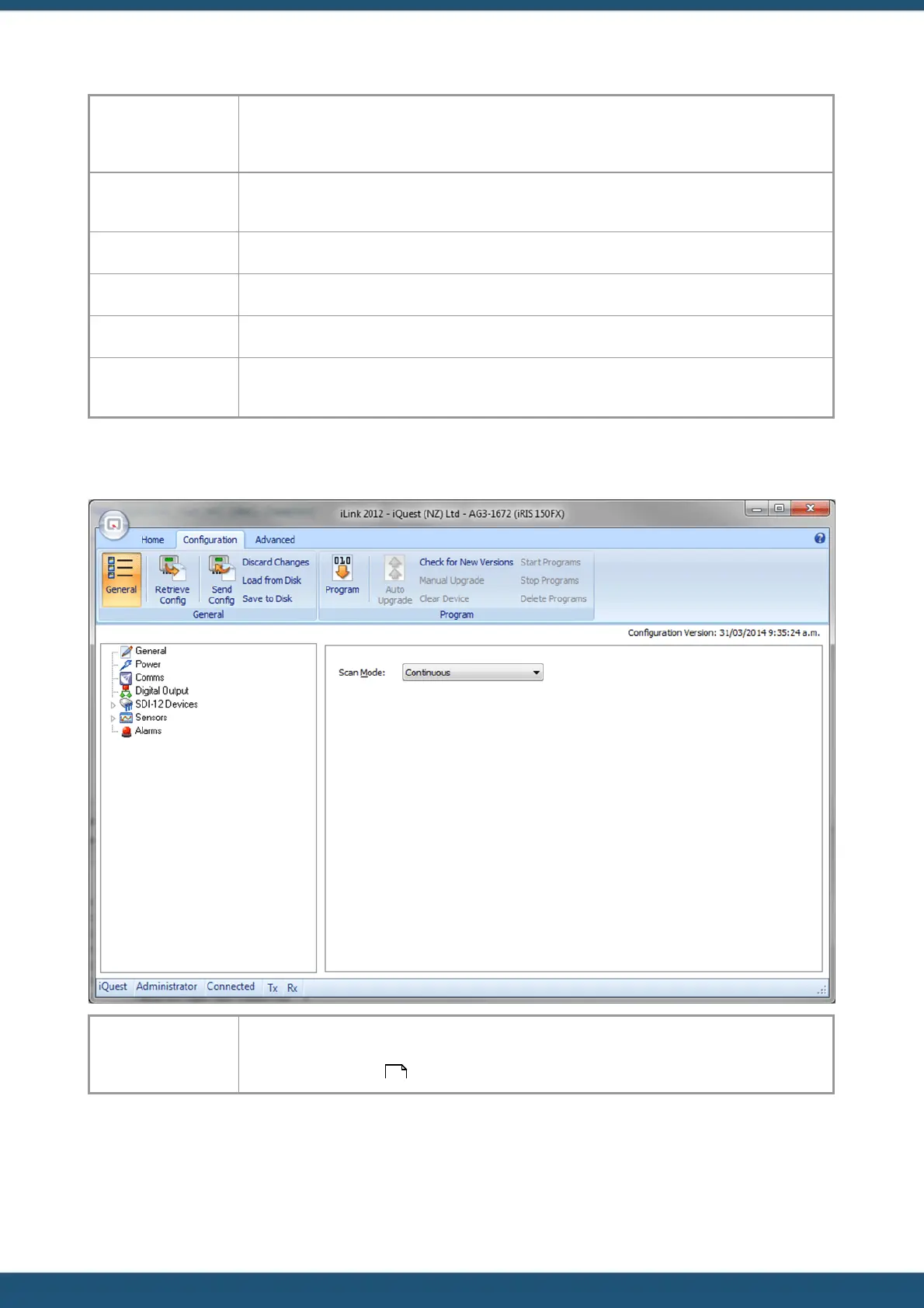
Use this option to change the scan mode of the unit. The scan rate represents the number of
minutes that should elapse between successive scans when the mode is “Timed”. See Section
Scan Mode / Scan Rate for further information on scan modes and scan rates.
53



 To Next Page