© 2023 HyQuest Solutions 29
Configuration
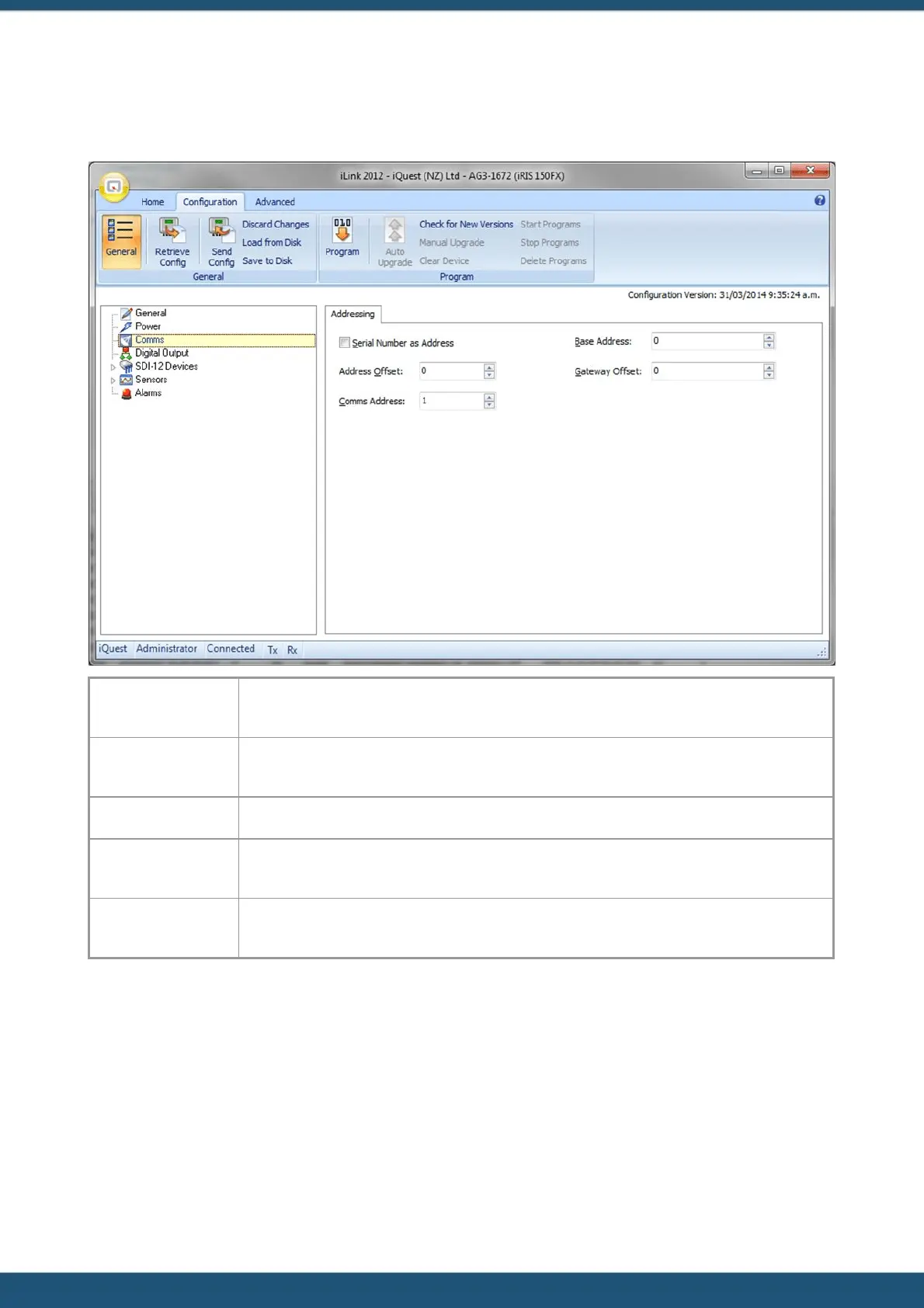
3.2.3 Comms
Enable this option if you want the address to be obtained automatically from the device’s
serial number.
If the ‘Serial Number as Address’ checkbox is enabled, then an optional offset can be entered
which can be categorized units into regions.
Enter the communication address for the device.
This is the address of the base station to use when calling back using the RS232 telemetry
mode. The base address is normally set to zero.
Use 0 to disable gateway communication. If this is not zero, then a gateway block of 100
locations is set up starting from the offset.



 To Next Page