© 2023 HyQuest Solutions 32
Configuration
Enter the time of first measurement.
This is the time interval between each measurement.
3.2.6 Sensors
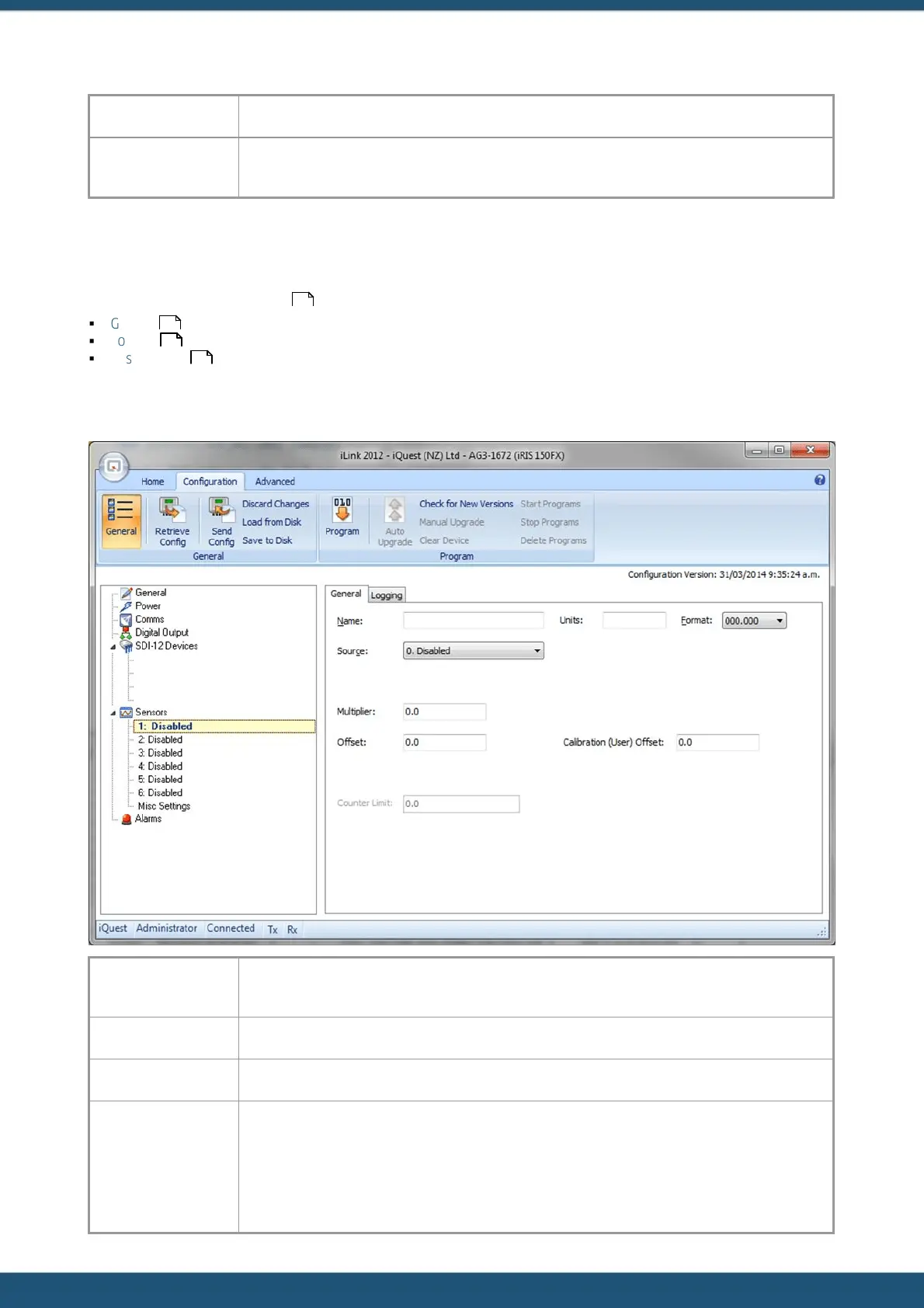
The sensor configuration menu is used to configure each of the six main virtual sensors. Refer to the datalogging features
(Logged Data Array Identification ) of this manual for a discussion on virtual sensors.
§
General
§
Logging
§
Misc Settings
3.2.6.1 General
Enter a name for the sensor (maximum 10 characters). This name is displayed on the applicable
iRIS LCD sensor screens and also to identify the unloaded data.
Enter the engineering units of the selected sensor.
This is the display format to use for the selected sensor.
Enter the source from which the virtual sensor should acquire its data. Use zero to disable the
sensor. A list of the valid data sources is shown in the following table.
9
32
34
36



 To Next Page