© 2023 HyQuest Solutions 34
Configuration
Here you can enter a scaling multiplier. This multiplier is used to convert the raw input into
engineering units.
Enter a scaling offset. This offset is added to the scaled engineering value.
Calibration (User)
Offset:
This is the offset to shift the scaled value’s datum.
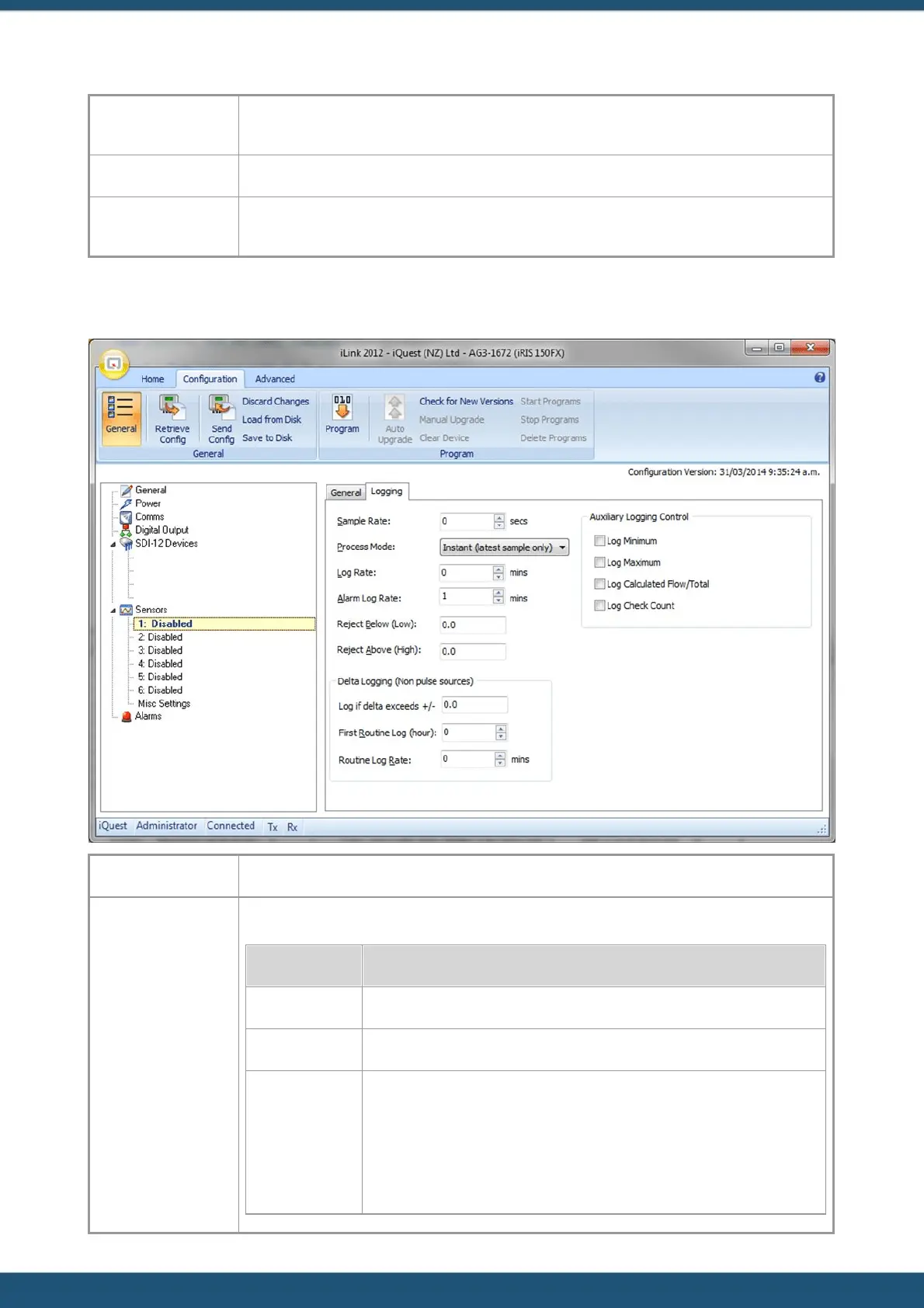
3.2.6.2 Logging
The sample rate is the rate (in secs) at which the source is sampled.
Choose the process mode from the list. The available modes are:
Logs only the most recent sample
Logs the average of all samples taken over logging period
(Only valid for pulse input sources) Logs non-zero samples.
If the logging rate is 0, then any pulse is logged immediately.
If the logging rate is > 0, then the total accumulated in the period is
logged only if it is not zero. In this mode, if there was no sample logged at



 To Next Page