–
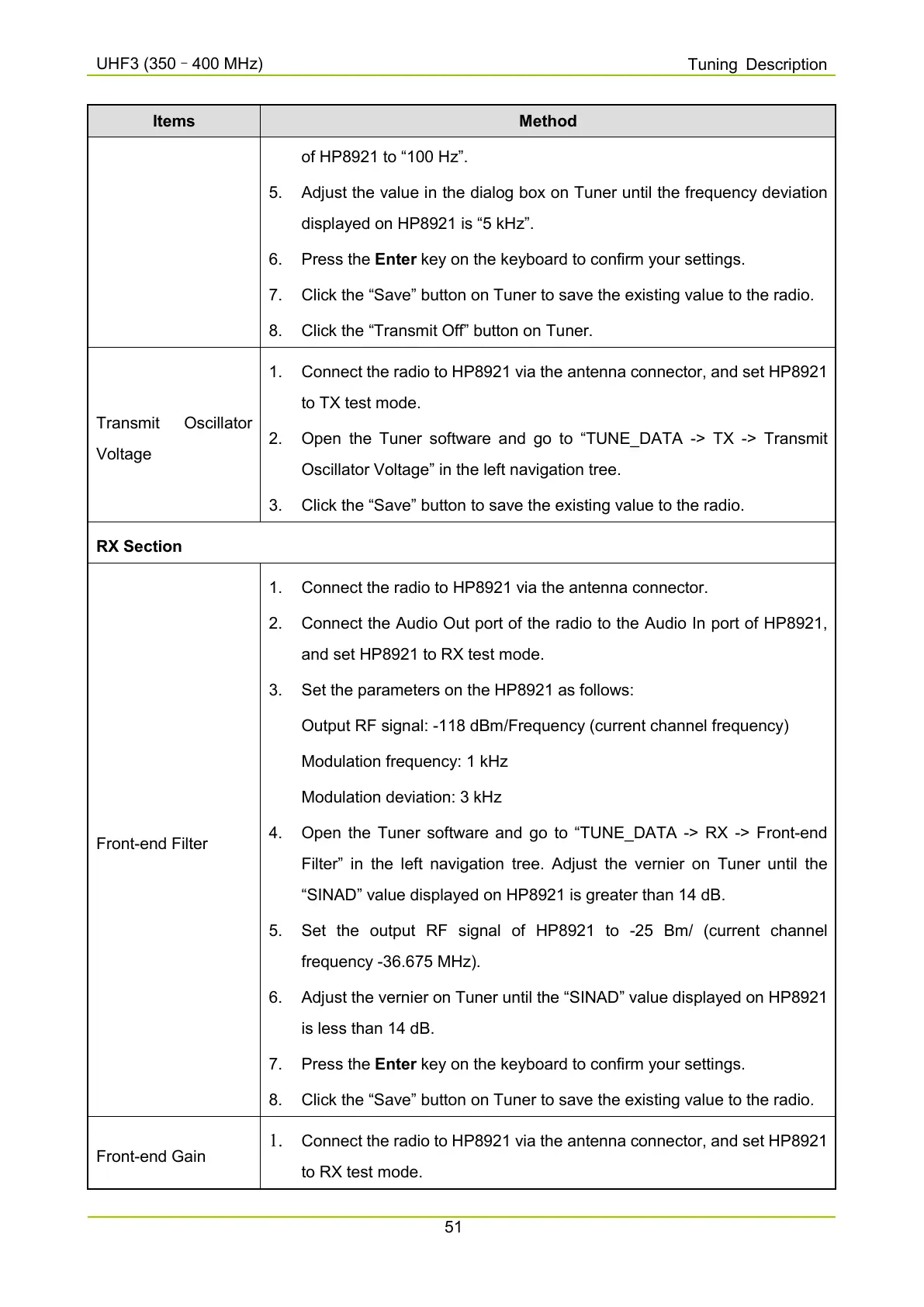
Items Method
of HP8921 to “100 Hz”.
5. Adjust the value in the dialog box on Tuner until the frequency deviation
displayed on HP8921 is “5 kHz”.
6. Press the Enter key on the keyboard to confirm your settings.
7. Click the “Save” button on Tuner to save the existing value to the radio.
8. Click the “Transmit Off” button on Tuner.
Voltage
1.
Connect the radio to HP8921 via the antenna connector, and set HP8921
to TX test mode.
2. Open the Tuner software and go to “TUNE_DATA -> TX -
Oscillator Voltage” in the left navigation tree.
3. Click the “Save” button to save the existing value to the radio.
RX Section
Front-end Filter
1. Connect the radio to HP8921 via the antenna connector.
2. Connect the Audio Out port of the radio to the Audio In port of HP8921,
and set HP8921 to RX test mode.
3. Set the parameters on the HP8921 as follows:
Output RF signal: -118 dBm/Frequency (current channel frequency)
Modulation frequency: 1 kHz
Modulation deviation: 3 kHz
4. Open the Tuner software and go to “TUNE_DATA -> RX -> Front-end
Filter” in the left navigation tree. Adjust the vernier on Tuner until the
“SINAD” value displayed on HP8921 is greater than 14 dB.
5. Set the output RF signal of HP8921 to -25 Bm/ (
frequency -36.675 MHz).
6. Adjust the vernier on Tuner until the “SINAD” value displayed on HP8921
is less than 14 dB.
7. Press the Enter key on the keyboard to confirm your settings.
8. Click the “Save” button on Tuner to save the existing value to the radio.
Front-end Gain
1. Connect the radio to HP8921 via the antenna connector, and set HP8921
to RX test mode.



 To Next Page
 Loading...










