Model 252
Label Printer/Applicator
Operators/Technical Manual
17
12.4 Drive Motor Replacement
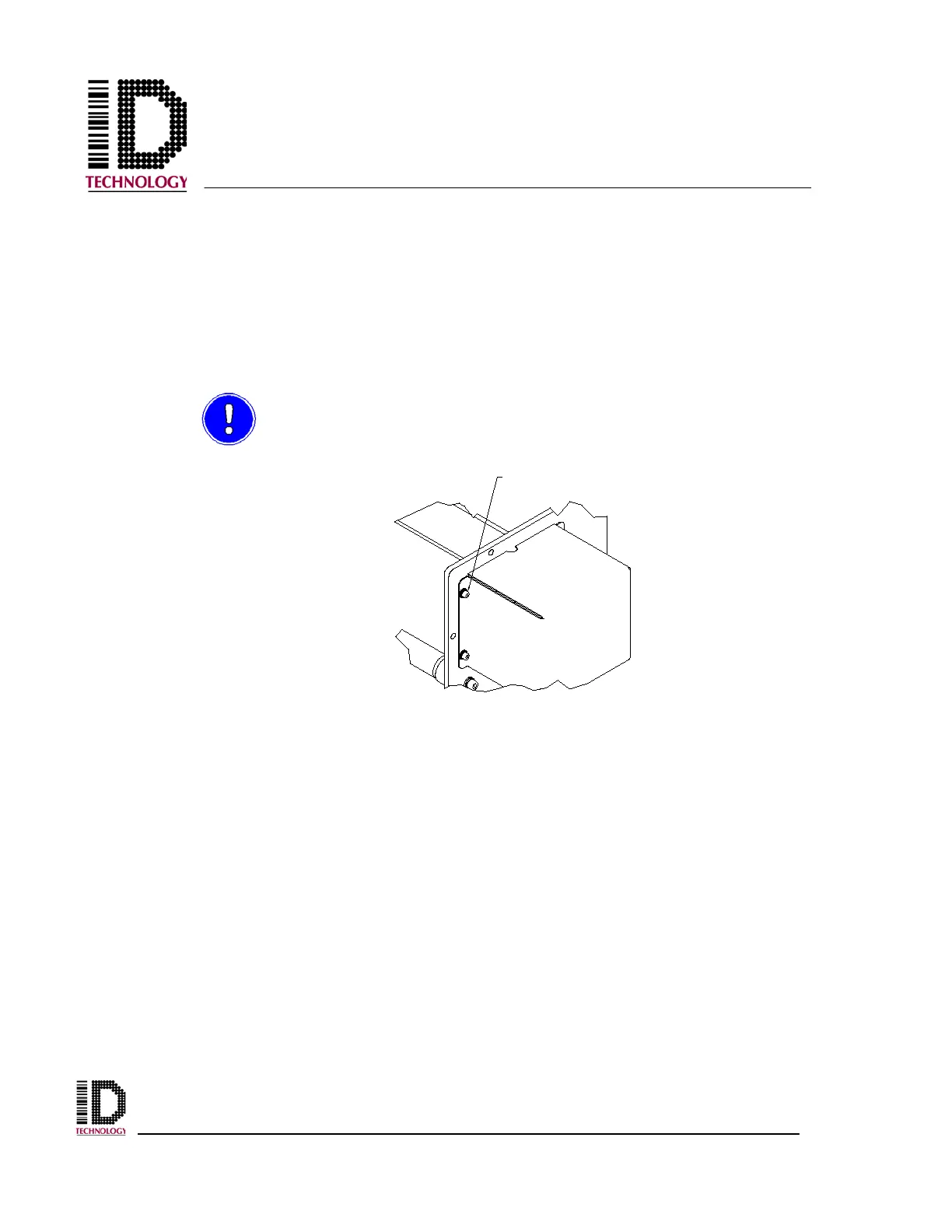
To replace the drive motor, the drive belt and the drive pulley must be removed. Remove both
by following the above removal processes. Using a 3mm hex wrench, remove the four M4
screws and washers and the secured rear cover to expose the motor. With a 4mm hex wrench,
remove the M5 screw and washers securing the cable clamp. Remove the cable clamp from
the motor power lead. The motor can now be detached from the rewind mounting plate. With
a 2.5mm hex wrench, remove the four M3 screws retaining the drive motor. To install a new
drive motor, perform the steps in reverse order.
To prevent damage to the motor mount threads, use caution to not over-
tighten the M3 screws.
REMOVE SCREWS,
WASHERS, AND COVER



 To Next Page