Model 252
Label Printer/Applicator
Operators/Technical Manual
7
9. 252 Firmware Update
Before attempting to service machinery, the machine must be turned off
and the power and air locked out.
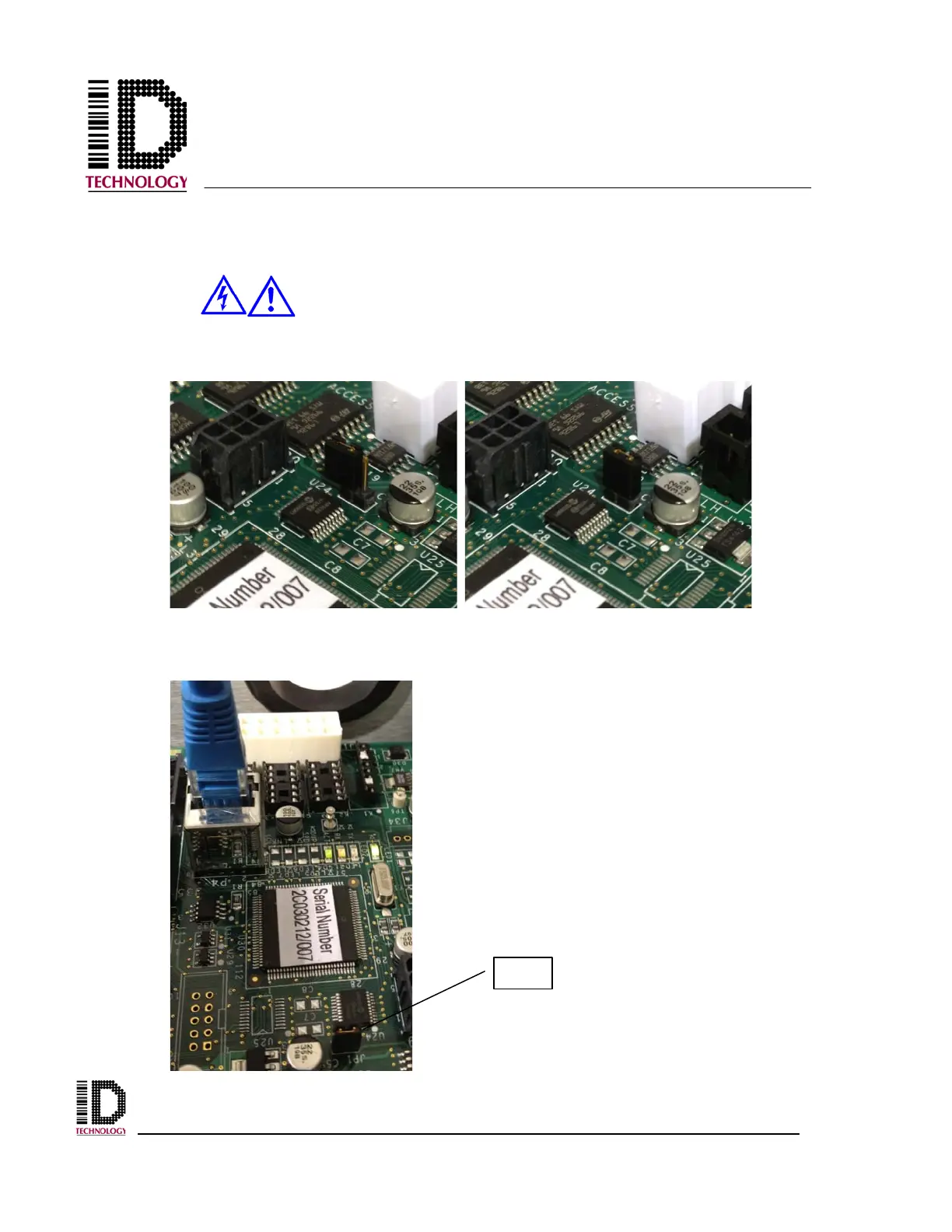
1) Locate jumper JP1 and short pin 1 to pin 2.
2) Connect the unit via Ethernet hub or a crossover cable.
Note JP1 is shown at the bottom of the picture.



 To Next Page