Model 252
Label Printer/Applicator
Operators/Technical Manual
35
Delay Access – This menu item lets the user determine if the Delay Apply
setting can be altered without requiring the PIN number. When set to Yes,
there will be an additional item at the main menu level to access the Delay
Apply setting. This setting is saved with each setup and can be set different
for each of the four saved slots.
4.2.4 Online/Offline
The online/offline icon allows the operator to disable the photocell input to the
printer/applicator. When the “Offline” function is selected, the icon will be shown with a
dark shaded background. In addition, if the optional three stage beacon is installed, the
red indicator lamp will be illuminated.
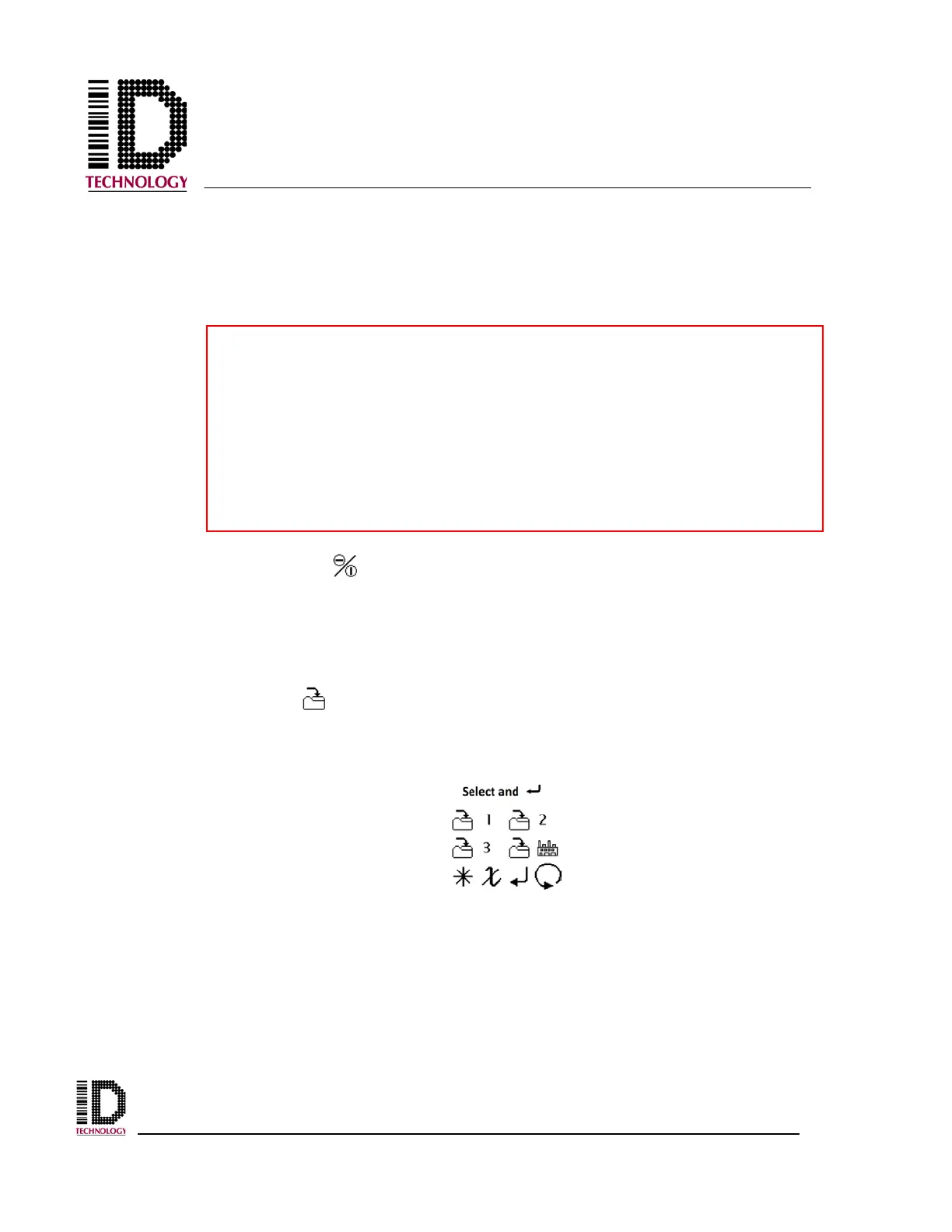
4.2.5 Save Setup
The save setup icon opens the Save Setup screen. Specific machine configurations can
be saved to aid in changeover operations.
Keys to remember about Delay Access:
• Changing the values here will not affect stored setups. To apply the
change to a stored setup, it is necessary to log in and re-save the
appropriate setup.
• The Delay Access setting is stored with each setup. It is possible to
allow access for some setups and deny access for others.



 To Next Page