Model 252
Label Printer/Applicator
Operators/Technical Manual
69
6.2 Recall Configuration
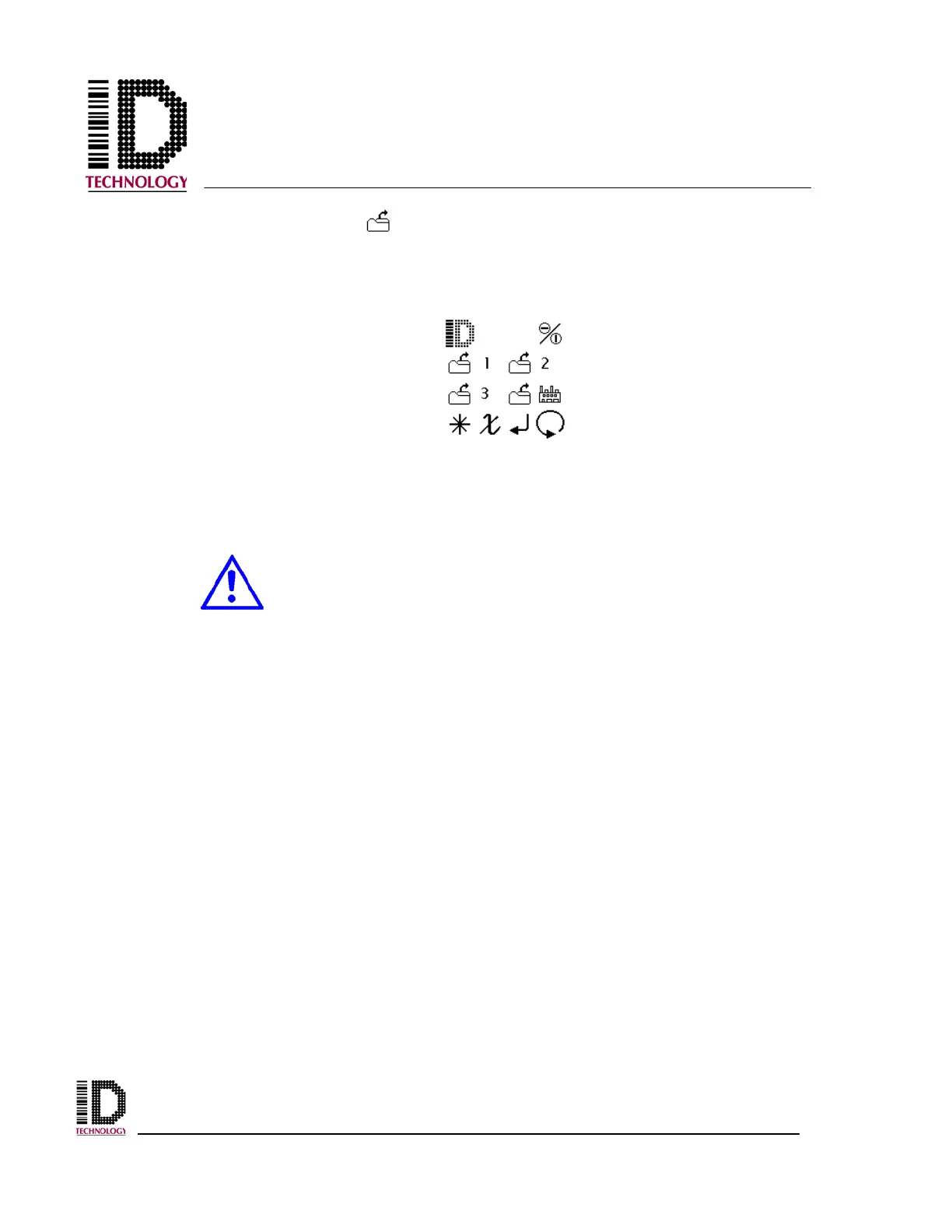
To Recall a configuration from a saved buffer location, press the recall icon on the main
menu to open the locations menu. Refer to the configurations listed on the table created
when the setup was saved for the desired settings.
From the four buffers shown, select the desired configuration buffer (1, 2, 3, or Factory)
and press the enter icon. This sets the current configuration to the predetermined settings
saved in the buffer selected.
The recalled setup may be for a very different setup. Unexpected motion
may occur when the machine is cycled for the first time.



 To Next Page