Model 252
Label Printer/Applicator
Operators/Technical Manual
54
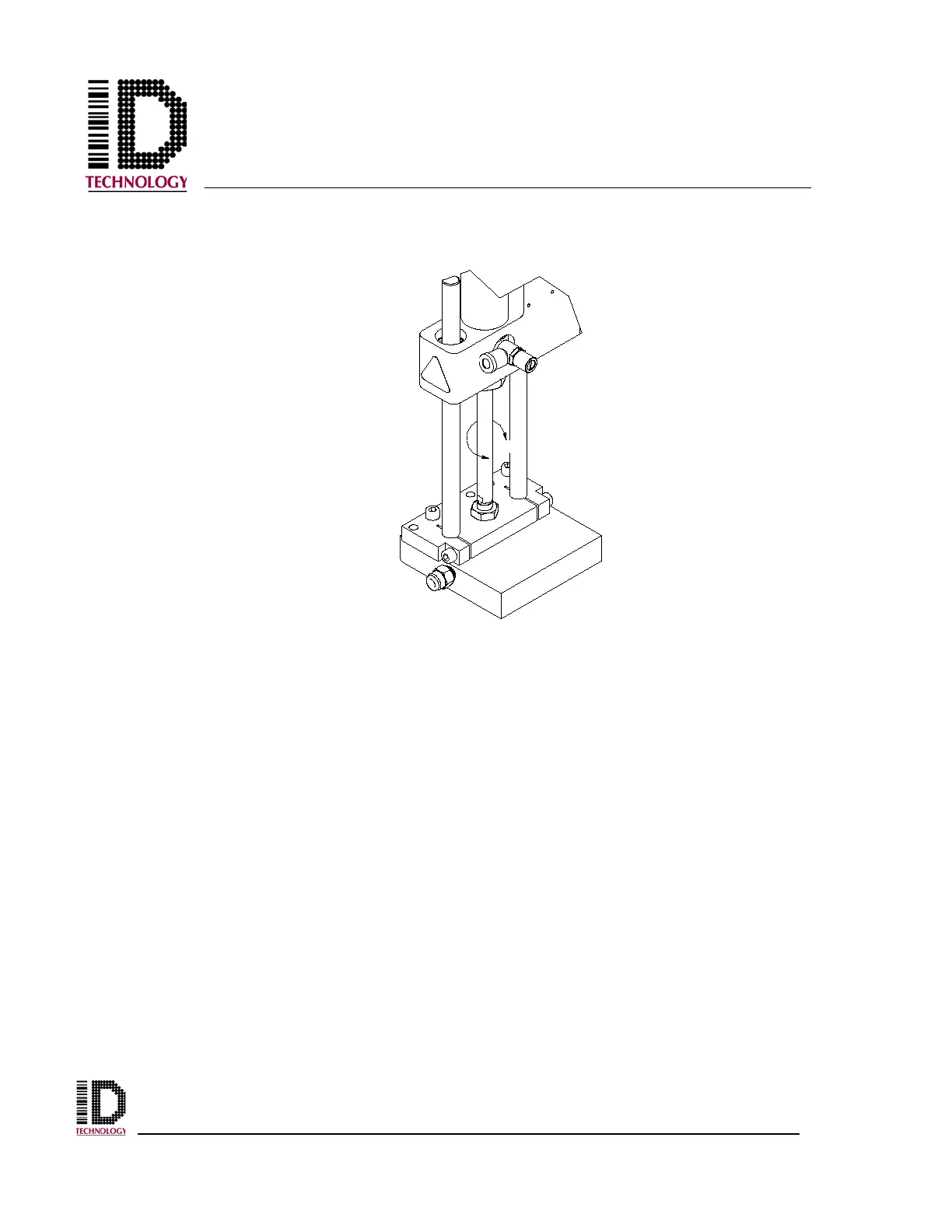
Extend the tamp cylinder and twist the cylinder rod to move the position of the tamp pad.
Return the cylinder to the home position and check the pad position again. Readjust as
necessary until the position is correct.
Once the position is correct, return the cylinder to the home position and re-tighten the
adjust nut.



 To Next Page