37
11.2 Basic settings (set-up)
On delivery of the unit, you must first enter the basic settings� The complete user
menu then opens�
11.2.1 Entering the type of probe used
► Apply operating voltage�
> The initial display is shown�
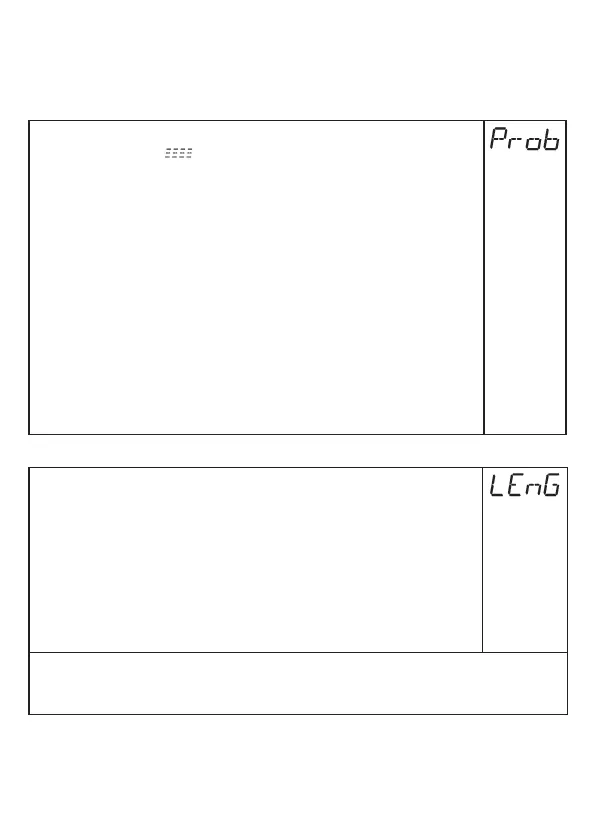
► Select [Prob] and set:
► Press [Enter]�
> [nonE] is displayed�
► Press [▲] or [▼] for min. 1 s and set the value:
[rod] =
Single probe, for the detection of:
- water and water-based media�
[COAX] =
Coaxial probe, for the detection of:
- oils and oil-based media�
- water and water-based media�
► Press [Enter]�
• The detection of water and water-based media is possible with the single
probe as well as with the coaxial probe�
• The detection of oils and oil-based media is only possible with the coaxial
probe�
11.2.2 Enter probe length
► Select [LEnG]�
► Press [Enter]�
> [nonE] is displayed�
► Press [▲] or [▼] for min. 1 s.
> After 1 s the unit automatically displays the detected rod length (preset
function*)�
► Correct the rod length, if necessary, with [▲] or [▼]. Incrementally by
pressing the button once or continuously by keeping the button pressed�
Enter the rod length in mm�
► Press [Enter]�
*) Automatic rod length detection is only possible with empty tank and sufficiently large
launching plate�
For manual determination of the rod length: (→ 7.5.2)



 To Next Page