43
11.7 Simulation
11.7.1 Set simulation value
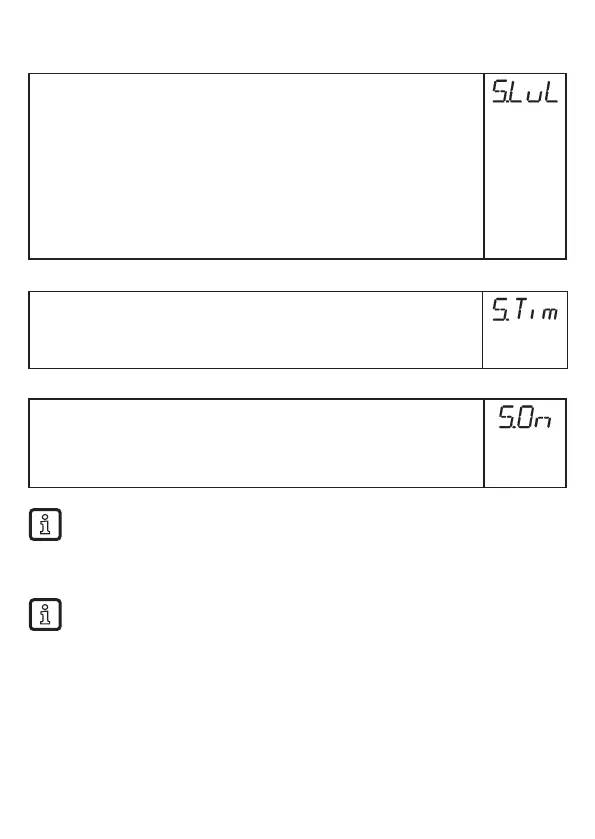
► Select [S�LvL]
► Set the process value to be simulated:
[Numerical
value] =
Level in mm / inch (depending on the basic setting)
[FULL] =
Full state
[SEnS] =
Weak measured signal
[Err] =
Electronic fault found
[EPTY] =
Empty state
► Press [Enter]�
11.7.2 Set simulation duration
► Select [S�Tim]�
► Set time span for simulation�
Setting range: 1, 2, 3, 4, 5, 10, 15, 20, 30, 45, 60 min�
Factory setting: 3 min�
11.7.3 Switch simulation on / off
► Select [S�On] and set:
[OFF] =
Simulation off
[On] =
Simulation on
► Press [Enter] to start the simulation�
Simulation active until [Enter] is pressed again or the time set via [S�Tim] elapses�
During the simulation [SIM] is displayed every 3 s� When the simulation has ended,
[S�On] is displayed�
The outputs react according to the simulated process values�
If the simulation is started via IO-Link, it can also only be finished via IO-Link� During
the attempt to finish the simulation via the buttons, C�Loc is displayed�



 To Next Page