38
11.2.3 Setting to the medium
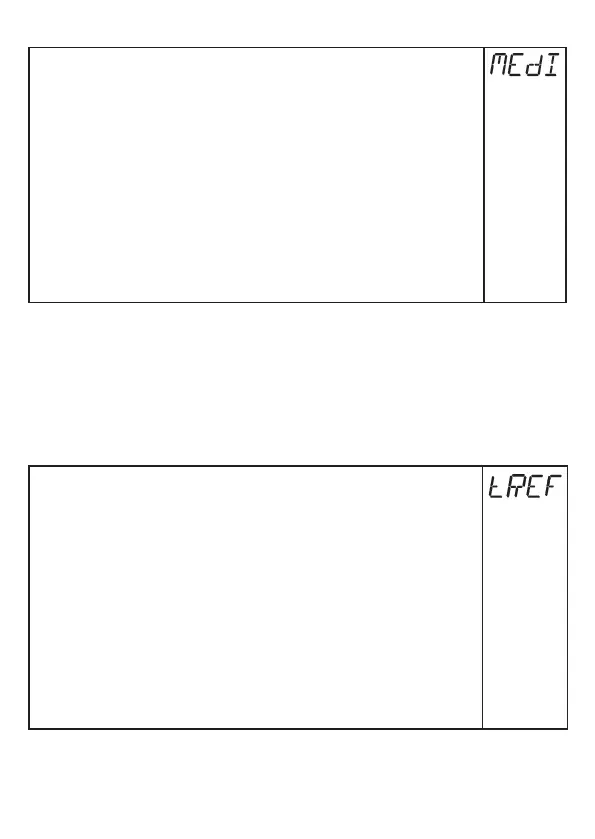
► Select [MEdI] and set:
[HIGH] =
For water and water-based media�
Operating mode is optimised for suppression of deposits on the
rod�
[MId] =
For water-based media and media with a medium dielectric
constant value, e�g� water-in-oil emulsions�
Operating mode optimised for the detection of media with
increased foam build-up�
[LOW] =
For oils and oil-based media
Note: Option only visible if [Prob] = [COAx]
► Press [Enter]�
► Check proper function by an application test�
Then the unit changes to the operating mode�
If required (e�g� when mounted in a connection piece) carry out a tank adjustment
(parameter [tREF]) and set parameters to adapt to the application�
Setting ranges of all parameters: (→ 13.1)
Factory settings of all parameters: (→ 15)
11.2.4 Carry out tank adjustment
Menu item only visible if [LEnG] ≥ 260 mm and [Prob] = [rod].
► Observe notes (→ 7.2.7)�
► Select [tREF]�
► Press [Enter]�
> [nonE] or the value stored by the last tank adjustment (distance value)
is displayed�
► Press [▲] or [▼] for min. 1 s.
> The distance value is displayed (default value: 10 mm)�
► Correct the value, if necessary, with [▲] oder [▼]. Incrementally by
pressing the button once or continuously by keeping the button pressed�
► Press [Enter]�
> [donE] is displayed�
► Press [Enter] again�
> The unit reboots and then returns to the operating mode�



 To Next Page