42
11.6 Changing basic settings
Required after changes to the rod or application�
11.6.1 Change the type of probe used
Menu item only visible if [MEdI] = [HIGH] or [MId]�
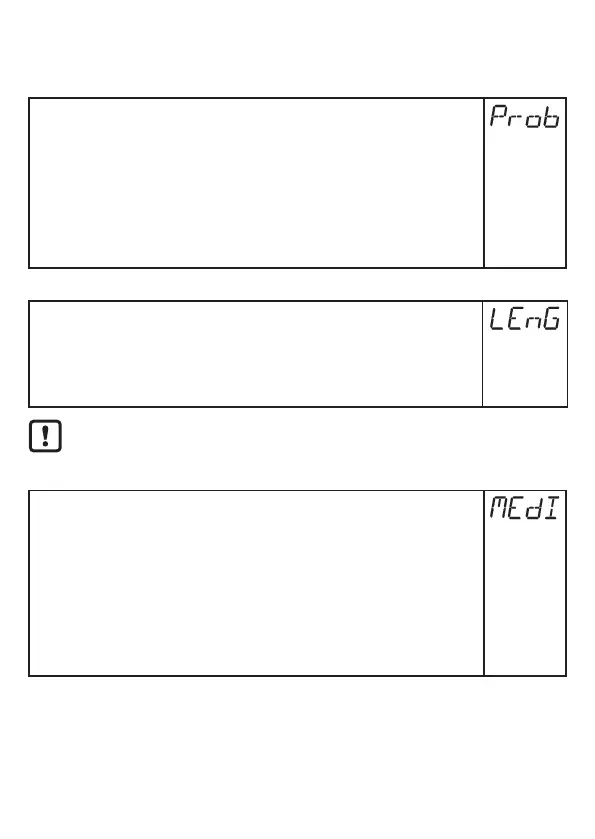
► Select [Prob]�
► Press [Enter]�
► Press [▲] or [▼] for min. 1 s and set the value:
[rod] =
Single probe
[COAX] =
Coaxial probe
► Press [Enter]�
More information: (→ 11.2.1)
11.6.2 Re-enter the rod length
► Select [LEnG] and set probe length L� Note the set unit [uni]�
► Press [Enter]�
Note: After changing the rod length, the values for the switching limits must
also be reviewed / re-entered�
More information: (→ 11.2.2)
After changing the rod length, a tank adjustment already made is deleted
(→ 7.2.7)
11.6.3 Setting to another medium
► Select [MEdI] and set:
[HIGH] =
For water and water-based media�
[MId] =
For water-based media and media with a mean dielectric
constant value�
[LOW] =
For oils and oil-based media�
Note: Option only visible if [Prob] = [COAx]�
► Press [Enter]�
More information: (→ 11.2.3)



 To Next Page