Chapter 2 Hardware
Swapping Player Panel Configuration
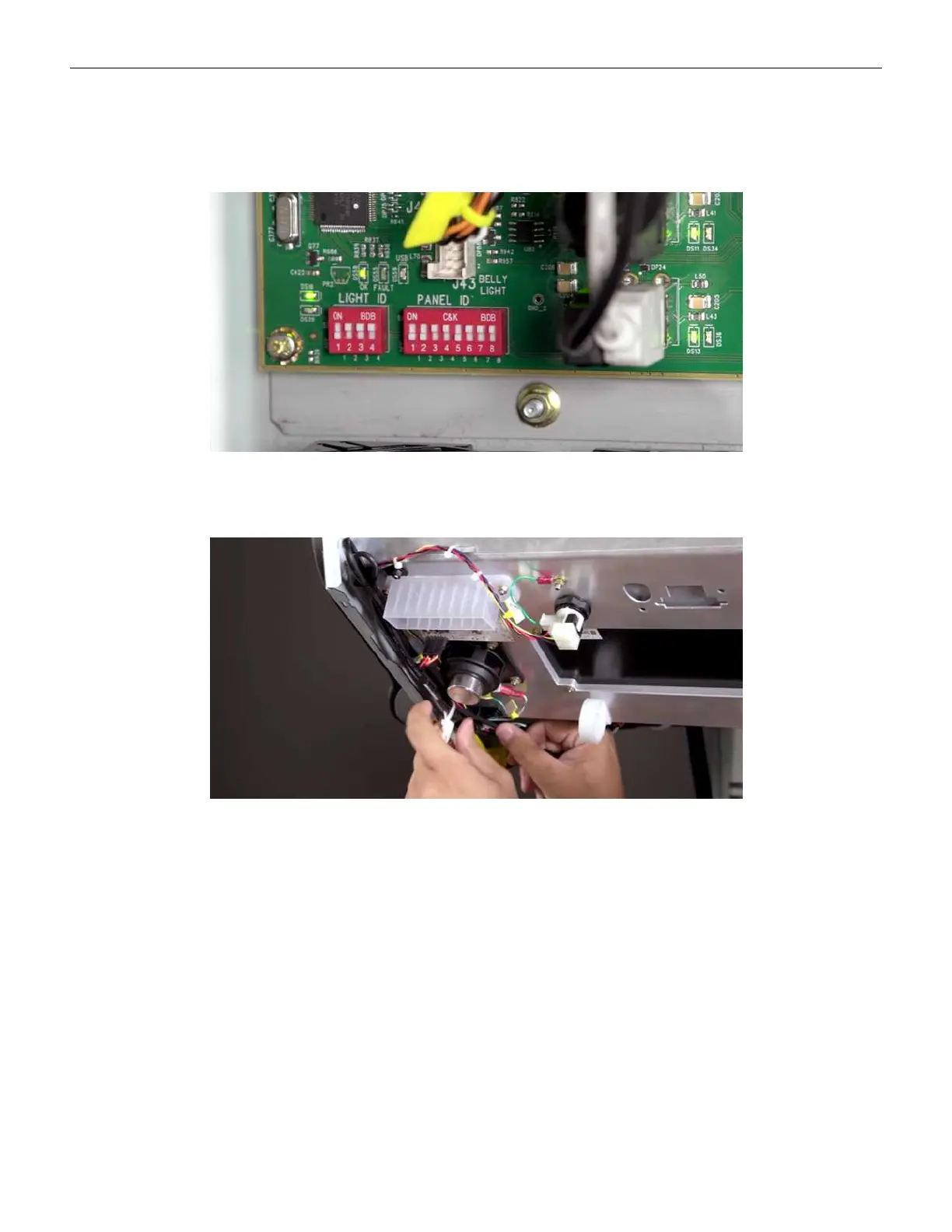
When replacing the button panel with a different configuration (Dynamic Player Panel / Static
Button Panel), the dip switch settings need to be changed on the cabinet controller board.
Refer to Switches on page 43 for more information.
Figure 2-30 Cabinet Controller Board Dip Switch Settings
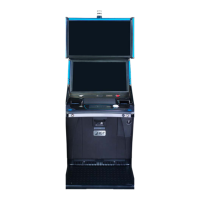
When using the Static Button Panel configuration, tuck the USB and Mini DP connections safely
out of the way, since these are not being used. If needed, secure with zip ties.
Figure 2-31 USB and Mini DP connections
Cobalt™ 27 49



 To Next Page