Chapter 2 Hardware
Nanoptix PayCheck 4 Printer, Loading Paper
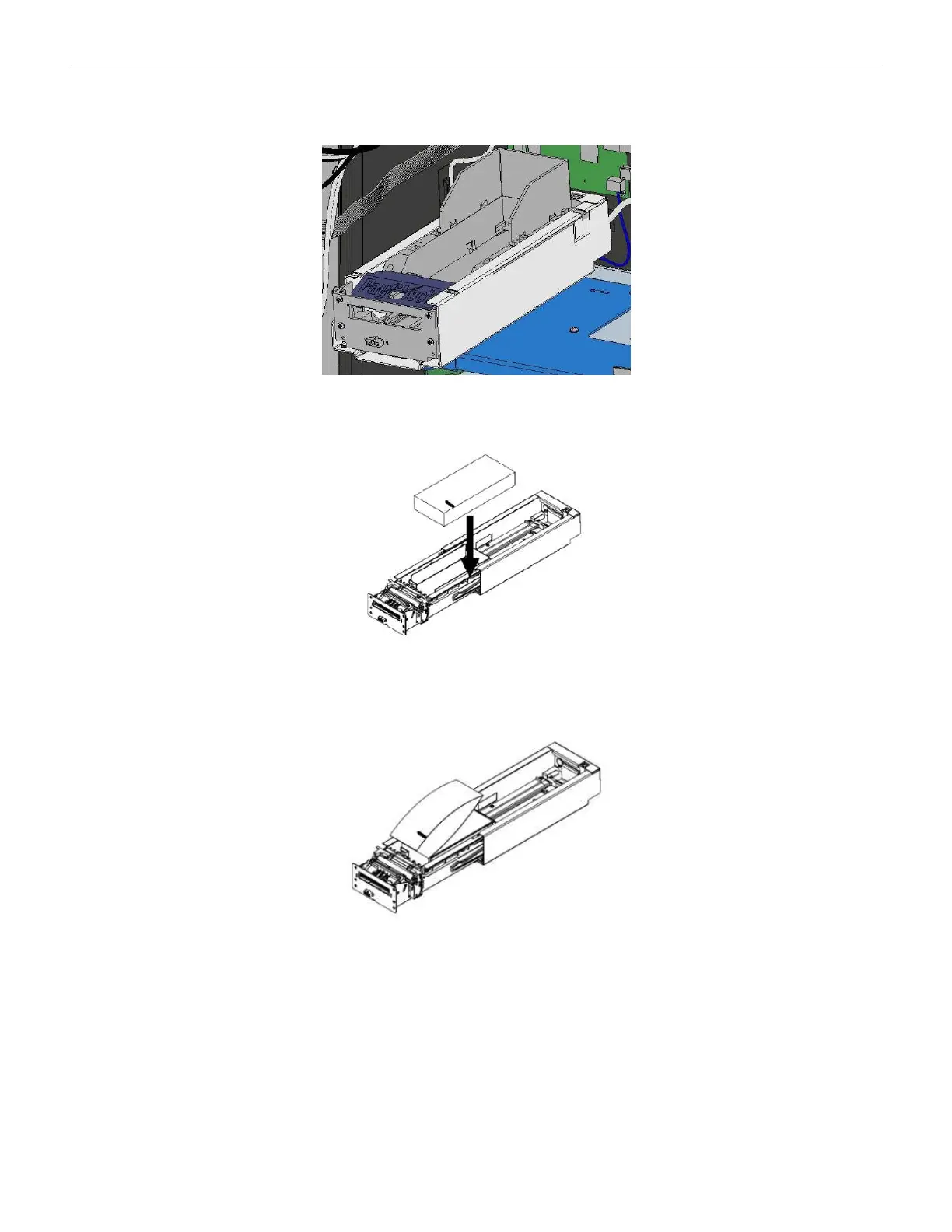
1. Pull tray forward inside the gaming machine to provide better access to the paper tray.
Figure 2-60 Nanoptix PayCheck 4 Tray
2. Place the paper ticket stack in the tray with the Top of Form facing up.
Figure 2-61 Nanoptix PayCheck 4, Load Paper
3. Feed the ticket into the printer mechanism until resistance is felt. The printer will
automatically pull the ticket into the printer and align it.
Figure 2-62 Nanoptix PayCheck 4, Feed Ticket
4. Push the printer tray back into the gaming machine and secure the metal printer stopper
thumbscrew, and the printer is ready to print.
Cobalt™ 27 73



 To Next Page