Chapter 4 Installing Software & Clearing Memory
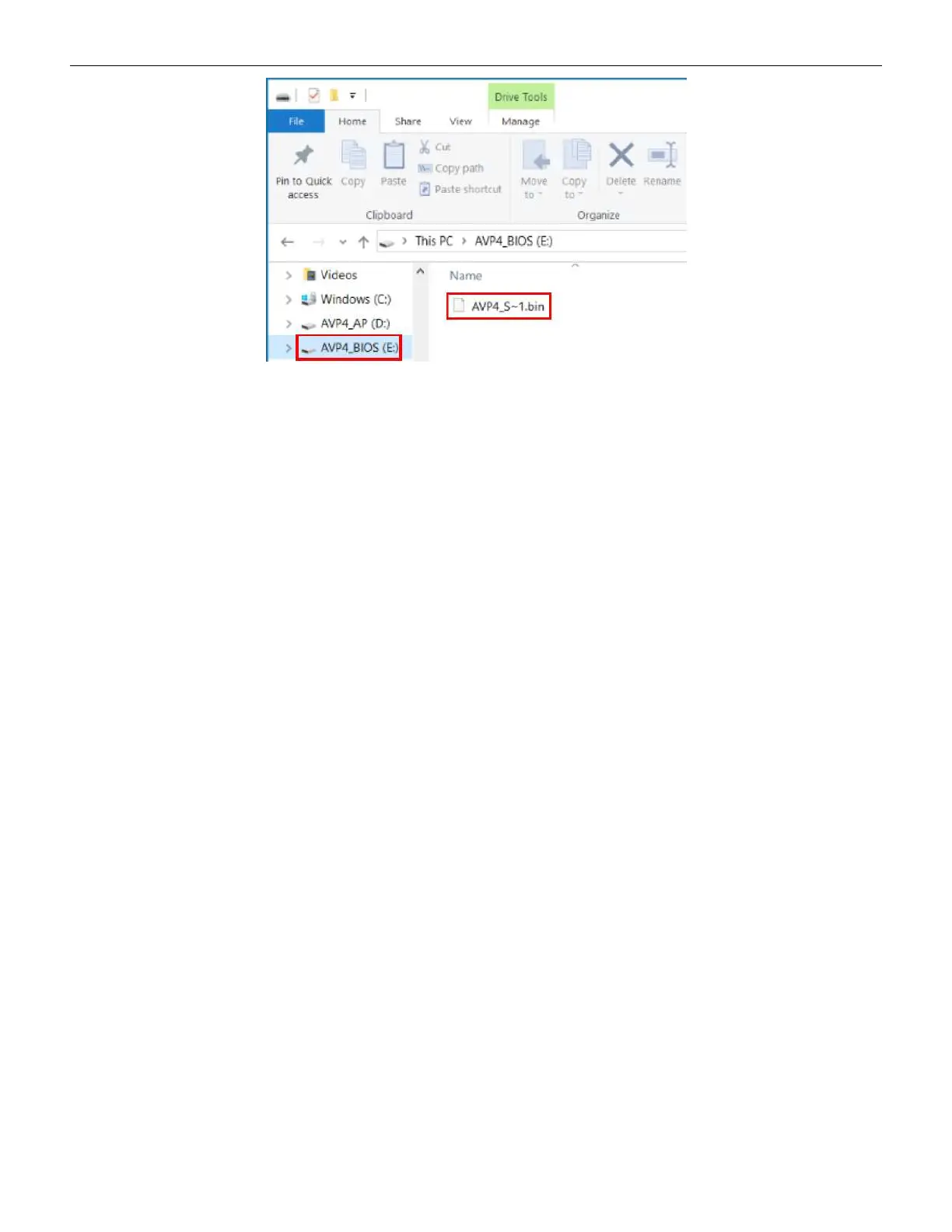
Figure 4-3 AVP4_BIOS Partition
5. Delete any existing file.
6. Copy the BIOS bin file from the source thumb drive (example label: AVP4P_SGF_X_XX) to
the AVP4_BIOS partition. A series of tones will sound during the write process, and another
will indicate completion.
7. Disconnect the USB cable and re-install the Brain Box into the terminal.
82 Cobalt™ 27



 To Next Page