37
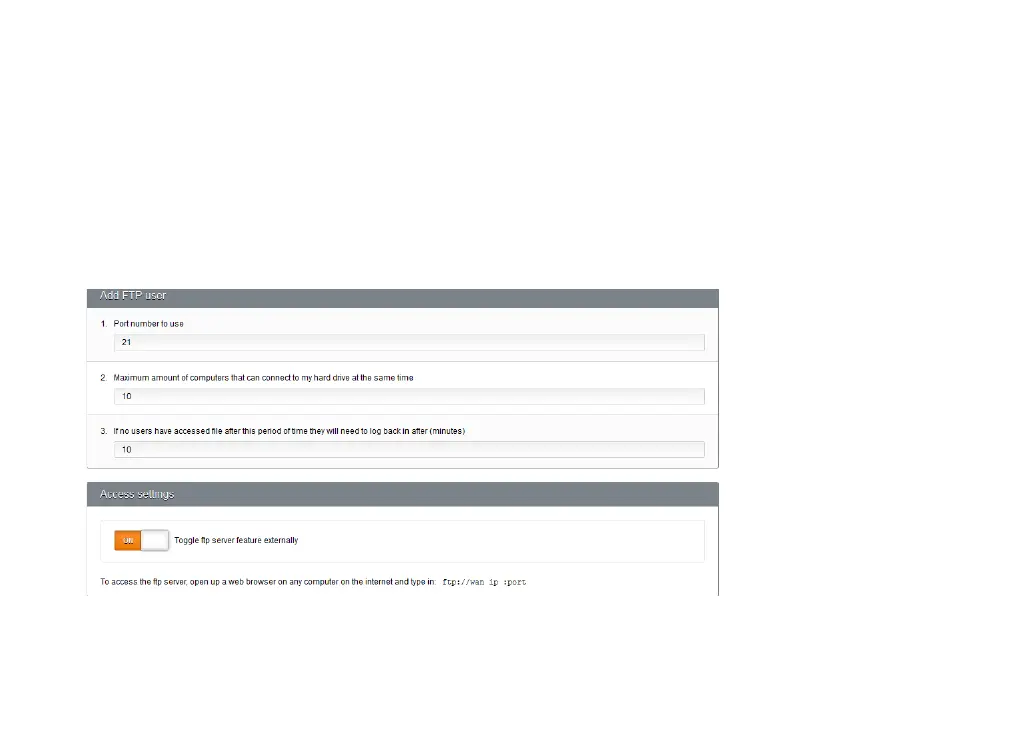
6. Enter the maximum number of computers that can use your FTP server at the same time. This setting can
help you to control the bandwidth your FTP server uses.
7. Enter the time limit a user can be inactive before they’ll need to log back in.
8. If you want people to be able to use your FTP server from the Internet, not just your home network, scroll
down to the Access Settings section and set Toggle FTP Server Externally to On.
9. Click Save Settings. Your setup page should now look something like this:



 To Next Page