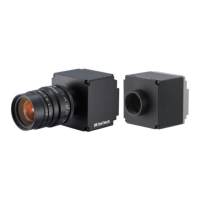
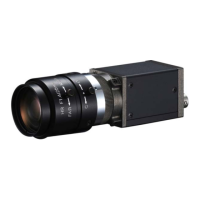
AMAZON SERIES Operation Manual
Pioneer i n D i g i t al V is io n Technol og y
8. Firmware Update
You my download the latest firmware from the IMI website as follows:
http://www.imi-tech.com
When updating the firmware, please carefully follow the instruction provided on our website for firmware update.
Also, ensure both power and GigE interface connection and DO NOT disconnect the cable in any case during the
update.
9. Technical Support
IMI ensures the conformity of our product to be reliable and free from defects during manufacturing by testing all
the cameras before release. However, unexpected problems and technical issues may come up due to the
complexity of the product. In case you require technical support; contact the agent near you or contact IMI directly
at the following locations:
Web Support by Bulletin Board : http://www.imi-tech.com
Support Team Email : support@imi-tech.com, world@imi-tech.com
Telephone Number : +82-2-527-9800
Fax Number : +82-2-527-9900
In North America
Support Team Email : info@imi-tech.com
Telephone Number : 760 942-9052
Fax Number : 760 942-6301
In case of an RMA, you must first contact IMI and obtain an RMA Number before sending the product to us. We are
not responsible for any problems caused by not following the RMA procedure.



 To Previous Page