How to Set up the Scanner
You may change the settings of BCST-43 barcode scanner by reading the setting
barcode in this manual. The examples of settings for the BCST-43 scanner are as below.
Note:If there is a (*) before a certain setting barcode in this manual, it indicates the
factory preset.
Toggle the switch to "ON" and short press the scan button to power on the
scanner
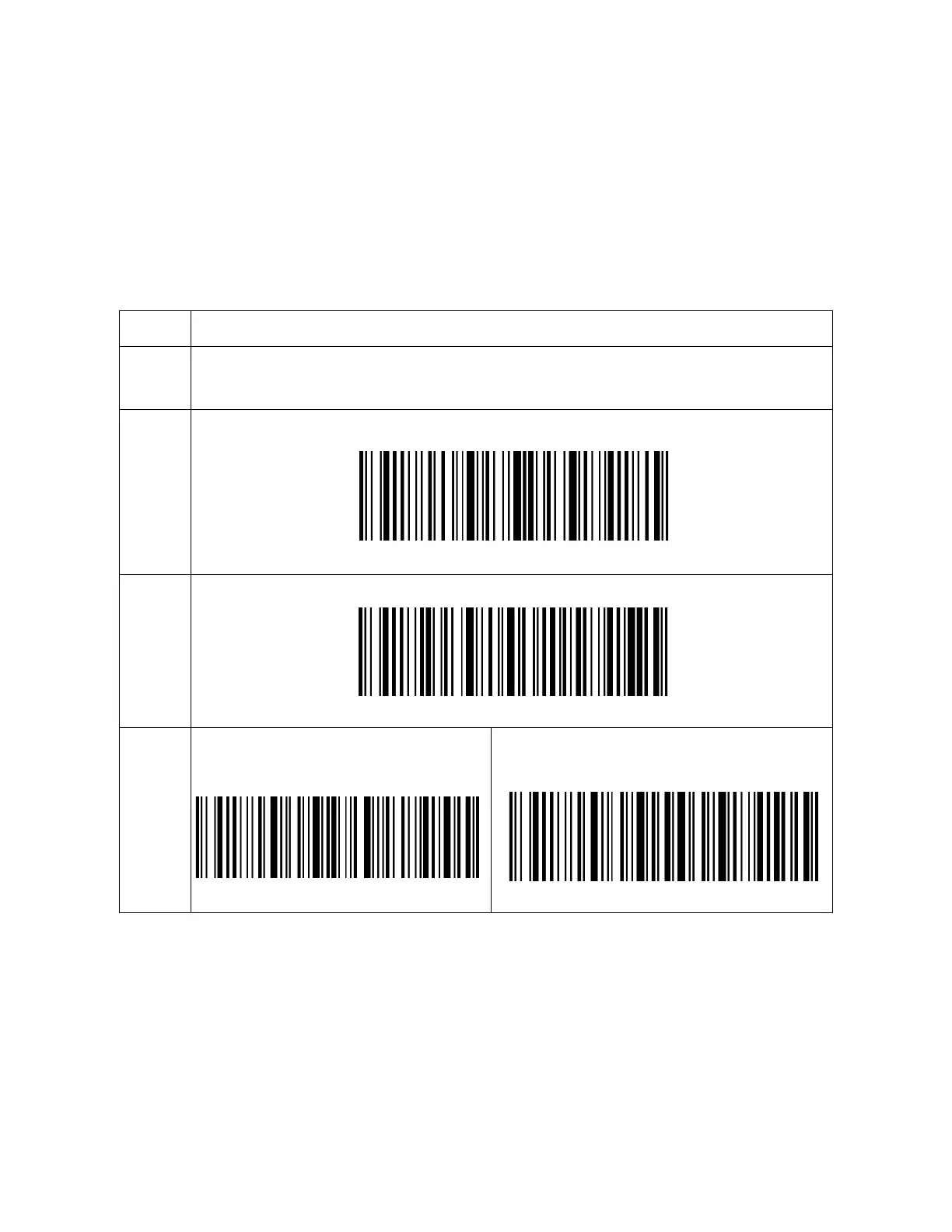
Scan the barcode to enter setup mode
Enter Setup
Read the setting barcode, such as:
Enable Codabar
Read the barcode to exit setup
mode.
Exit and Save
To clear a wrongly scanned setting
barcode, read the barcode below.
Exit without Save



 To Next Page