Bluetooth SPP mode is not the default mode. To enter this mode, please scan
“Enter setup”-“Bluetooth SPP Mode”-“Save and Exit”.
When switched to Bluetooth SPP mode, the BCST-43 will enter Bluetooth
broadcasting mode and the blue LED indicator will flash. Then you can search for
the Bluetooth of BCST-43 and have it paired with your phone/computer. After
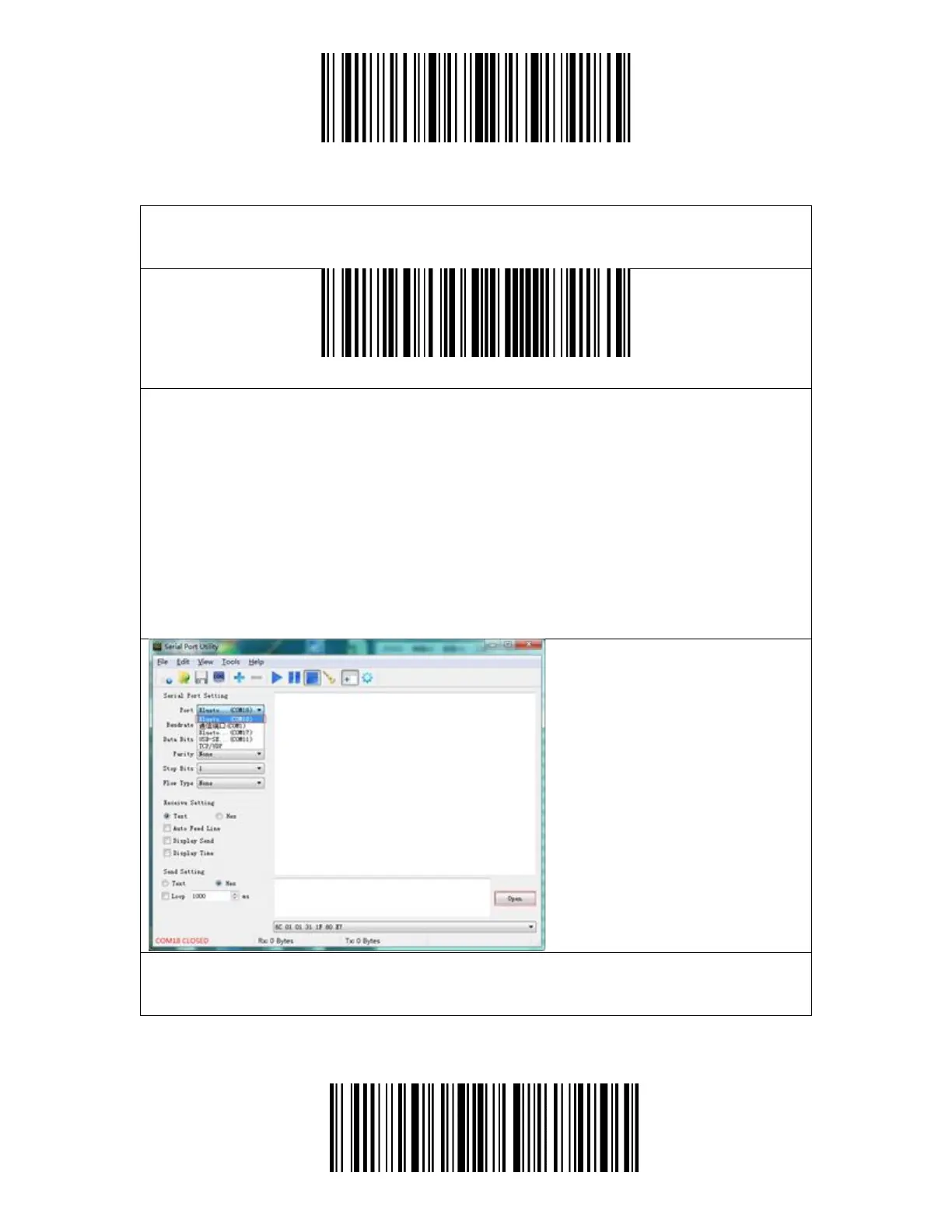
successful pairing, you need to run the serial debugging tool on your computer
and select Open Bluetooth COM Port. You will then hear three chord sounds
(from high to low) to indicate the successful Bluetooth connection.
Note: There might be two Bluetooth COM ports on the list. If the connection fails,
please try the other COM port.
After the successful connection, you can scan barcodes and they will be displayed
on the serial debugging tool as follows:



 To Next Page