d) A three-chord sound (from low to high) indicates a successful pairing. Once
there is a long high tone, it means the pairing fails and a repeated operation is
needed. To pair more scanners with the adapter, please follow steps above.
If you have paired the scanner with two different receivers, both of them can
connect the scanner. If you need to disconnect one of them, please follow the
steps below: Make sure the scanner is connected with the receiver that should be
disconnected and then scan the barcodes in turn "Enter Setup" - "Disconnect
Receiver" - "Save and Exit". The scanner will disconnect from the receiver.
If the BCST-43 has never been paired with any device via Bluetooth, it will enter
the pairing mode automatically after powers on. You may use your phone to
search the BCST-43 and click to pair. Besides that, you may adjust the scanner to
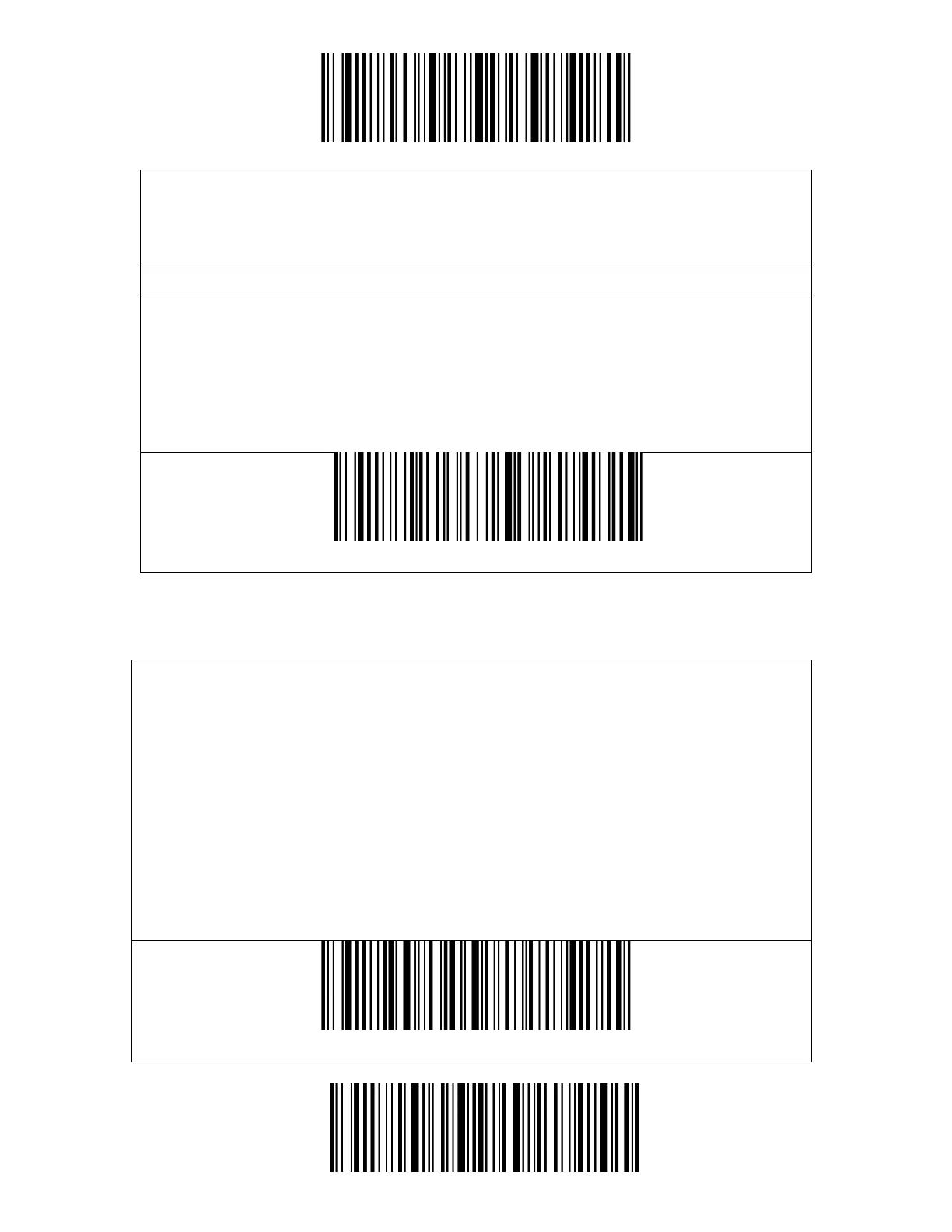
pairing mode by scanning the pairing barcode below.
Once the BCST-43 has been paired to a certain device via the Bluetooth, automatic
reconnection will be built when it is powered on the next time.
Note: Normally BCST-43 can re-connect to previously connected device
automatically. If it fails,please remove the paring history of BCST-43 in the list of
host device. Afterwards, pairthem again.



 To Next Page