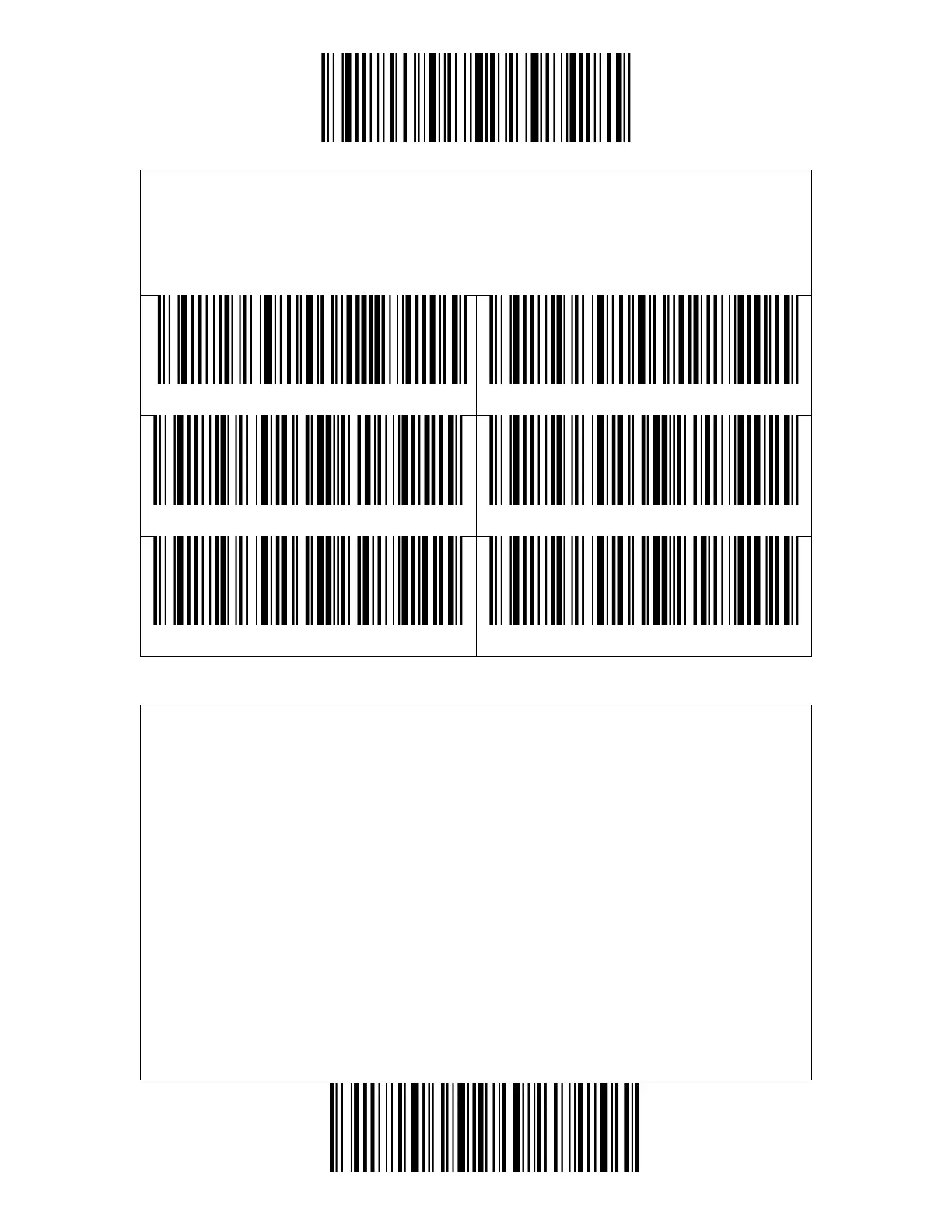
2. Scan the "Auto Red Light Shut off Mode" barcode.
3. Scan the "Auto Red Light Shut off Time Setting" barcode.
4. Scan the "1s" barcode.
5. Scan the "Exit and Save" barcode.
You don't need to push the button to trigger scanning under this mode. The red
LED is on automatically and ready to scan a barcode. If no barcodes are scanned,
the red LED will stay on. After a successful scanning, the red LED goes off first and
becomes lit again automatically.
To adjust the scanning intervals, please follow the steps below:
For example: to set the scanning mode as "Consecutive Scanning Mode" and set
the "Consecutive Scanning Interval" as 1s.
1. Read the "Enter Setup" barcode.
2. Read the "Consecutive Scanning Mode" barcode.
3. Read the "Consecutive Scanning Interval Setting" barcode.
4. Read the "1s" barcode.
5. Read the "Exit and Save" barcode.



 To Next Page