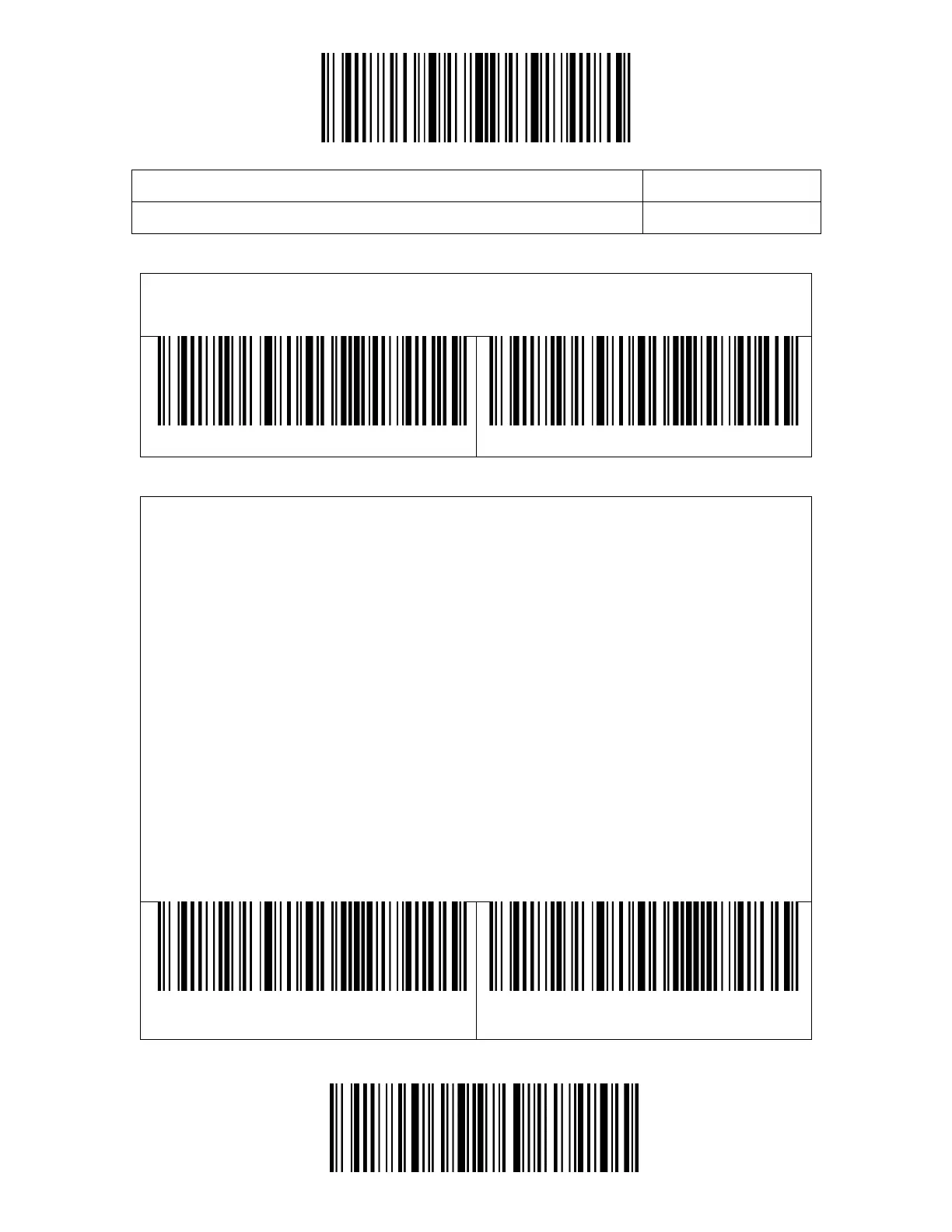
You may decide whether to add a "Enter" after a barcode output. The scanner
defaults adding an "Enter" after a barcode.
The BCST-43 supports customizing 1-32 digit(s) of barcode prefix, and 1-32
digit(s) of barcode suffix. The prefix and suffix can be either shown or hidden. The
scanner defaults showing the prefix and suffix. Please refer to the Appendix for
the supported prefix/suffix characters.
Steps to set the prefix as "#" and the suffix as "D" are as below:
1. Read the "Enter Setup" barcode.
2. Read the "Set Prefix" barcode.
3. Read the "#" barcode in Appendix I.
4. Read the "Set Suffix" barcode.
5. Read the "D" barcode in Appendix I.
6. Read the "Exit and Save" barcode.
Note: After you successfully set prefix and suffix, the BCST-43 will by default
output scanning result with prefix and suffix.



 To Next Page